

Cloud Sync
This page only applies to Raycast for Mac v1. Latest information for Raycast on Mac, Windows, and iOS is available in the Raycast Manual.
This feature requires an active Pro subscription. Don’t have one? Upgrade here!
Cloud Sync allows you to keep Raycast updated across all your Macs. All Extensions, Quicklinks, Snippets, and more stay in sync. To enable Cloud Sync, open Settings, select the Cloud Sync tab, and enable it. The initial synchronization might take a moment. Afterwards, everything should update on all your Macs.
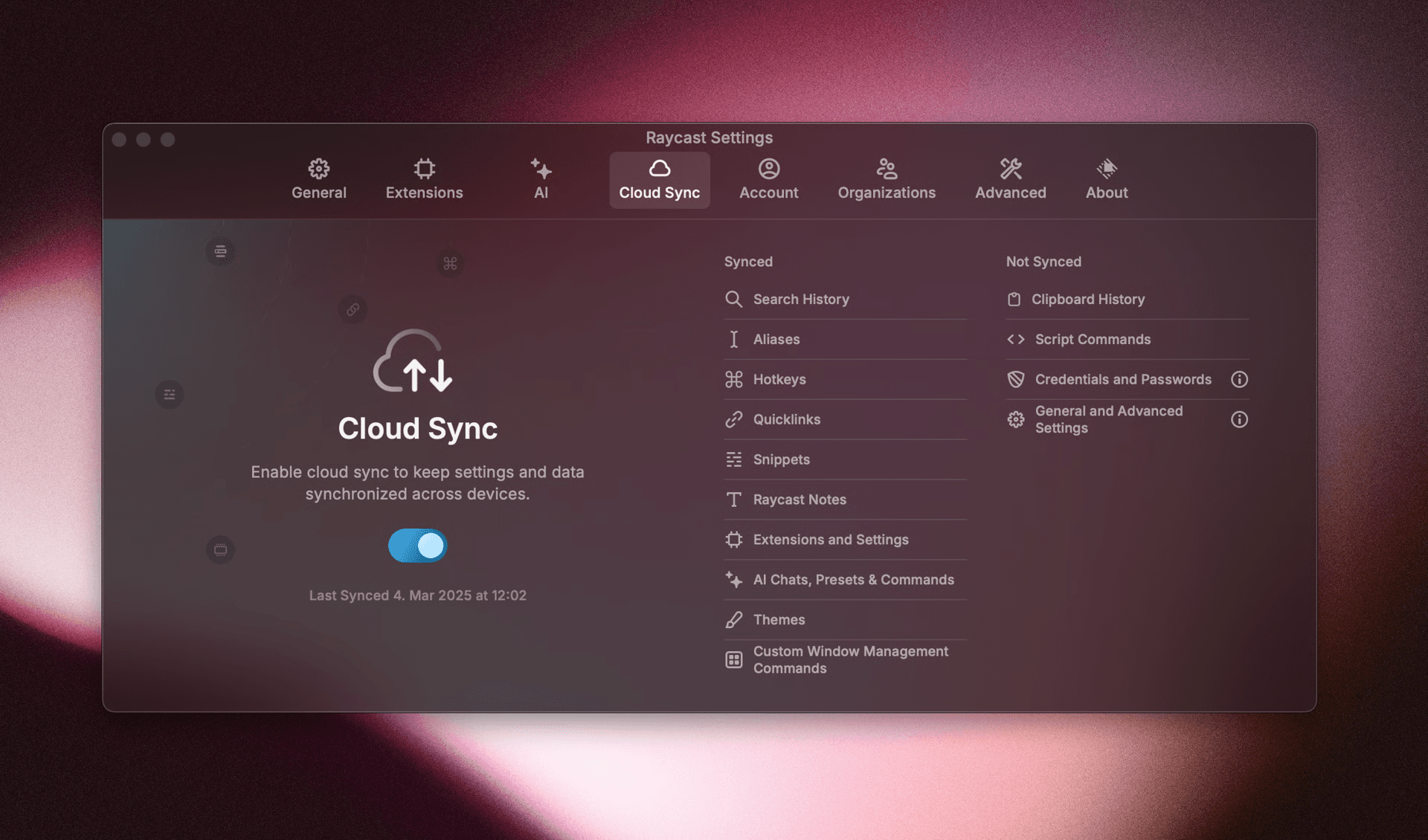
The following content is synchronized:
- Search History
- Aliases
- Hotkeys
- Quicklinks
- Snippets
- Raycast Notes
- Extensions and their Settings
- AI Chats, Presets and Commands
- Themes
The following content isn’t synchronized:
- Clipboard History – Might contain sensitive data
- Script Commands
- Credentials and Passwords
- General and Advanced Settings – Allowing for different setups