

Quickstart with Teams
This page only applies to Raycast for Mac v1. Latest information for Raycast on Mac, Windows, and iOS is available in the Raycast Manual.
Raycast for Teams enables sharing of private extensions, quicklinks and snippets with other members of a team. It's an easy way to collaborate with your team on internal tooling that speeds up your every-day tasks.
Create Organization
To get started, you need to create an organization. Specify the name of the organization, a handle (used in links, e.g. https://raycast.com/your_org/some_extension) and optionally upload an avatar.
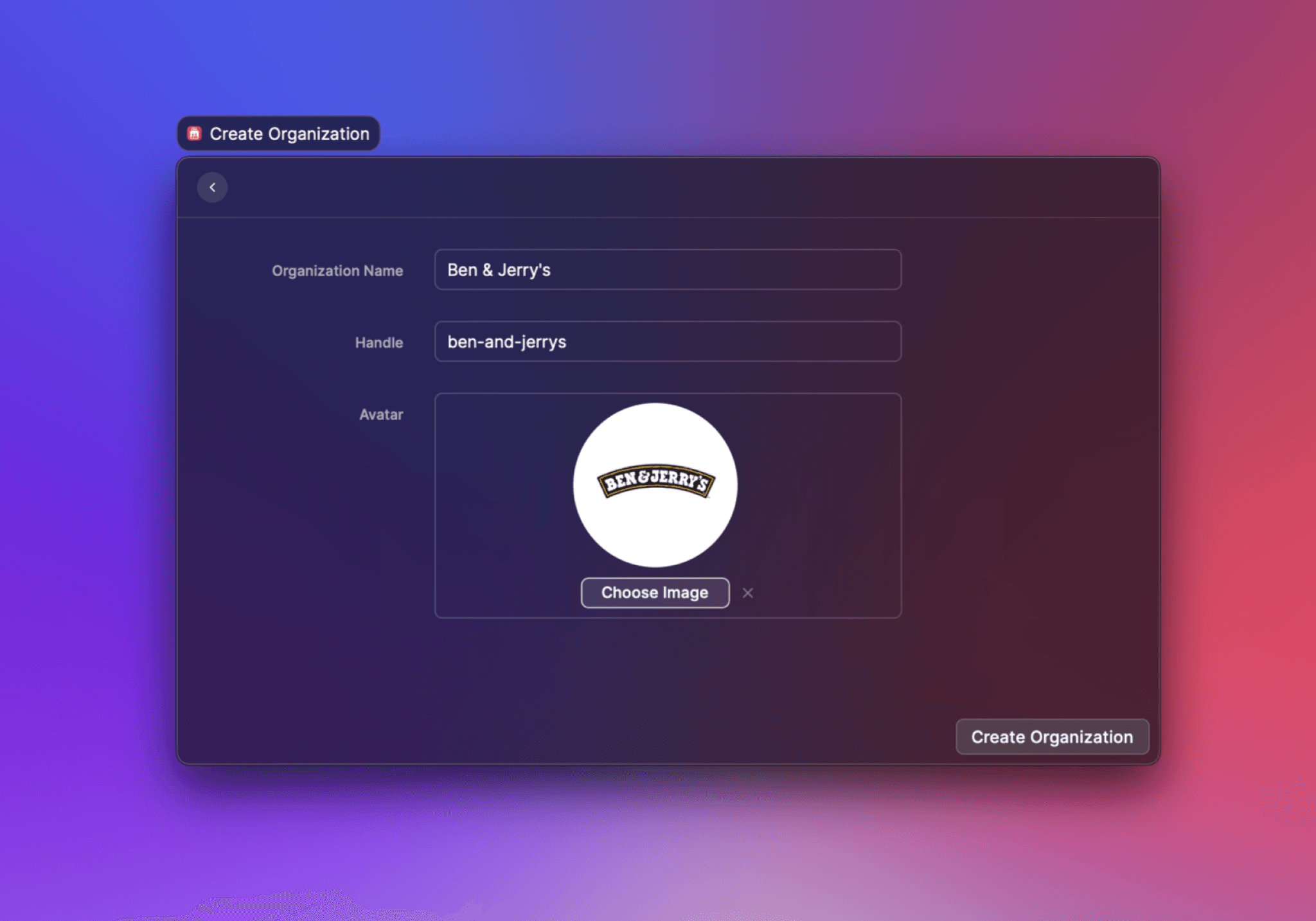
Afterwards, you can use the invitation link to invite your team. All members of a team can publish Extensions and share Quicklinks and Snippets.
You can use the Manage Organization command to edit your organization's information later.