

Search Bar
This page only applies to Raycast for Mac v1. Latest information for Raycast on Mac, Windows, and iOS is available in the Raycast Manual.
Use the Search Bar at the top of the window to quickly find content on the current screen.
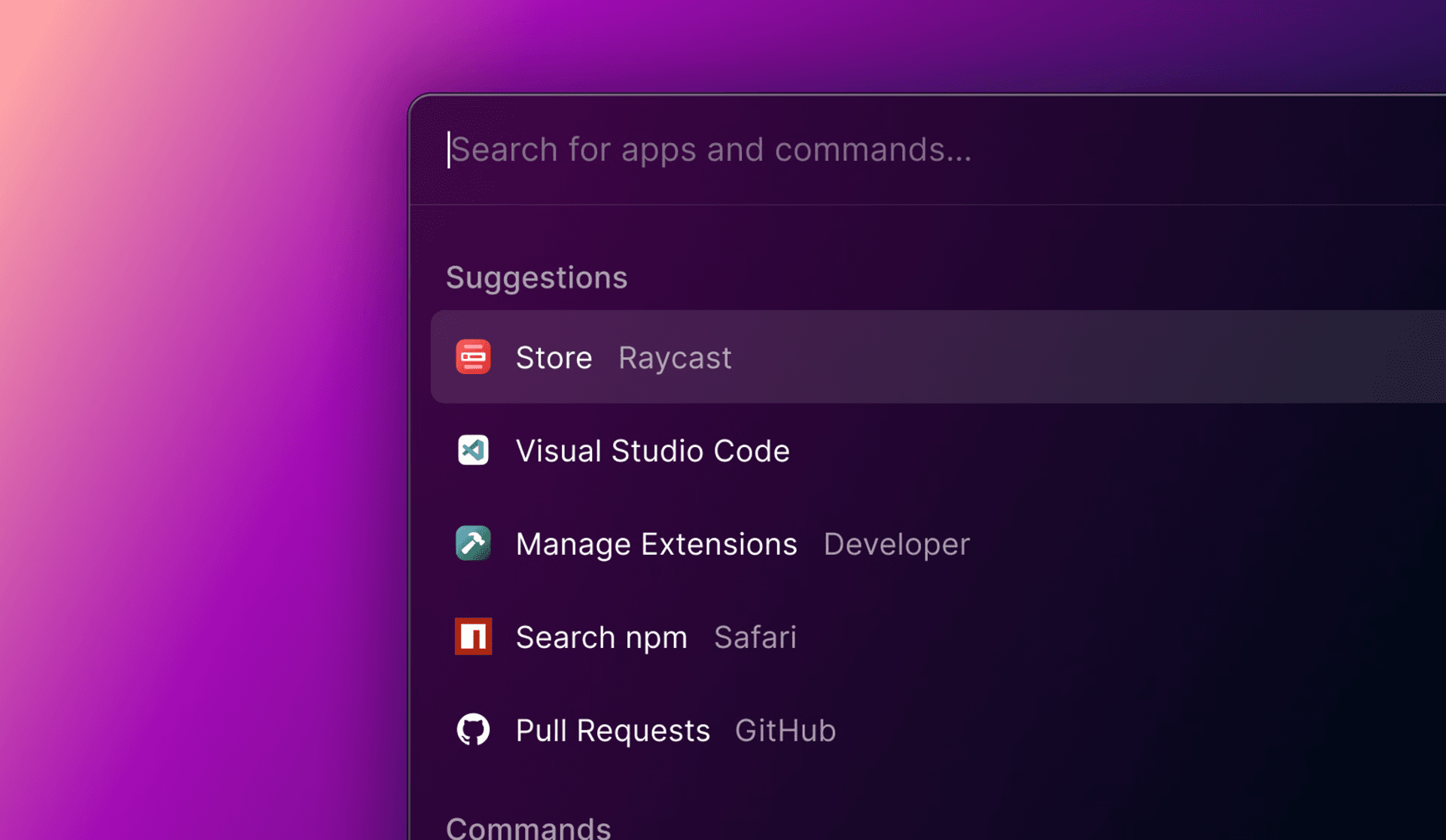
- The Search Bar is focused by default to make it quick to start typing your query.
- We support fuzzy search. Typing jci will find the Jira Create Issue command and vs code will find the Visual Studio Code application.
- Check the Search Bar placeholder in commands to see what you can search for.
Root Search
Fuzzy Search is used in Root Search to provide a flexible search experience. You can match applications, extensions, or scripts by writing any of their letters independently of their position in the result’s title, subtitle, keywords, or alias. For example: ftime for “Facetime”, msg for “Messages”, or utub vid for the “Search Youtube Videos” command.
Fuzzy Search can be tweaked to ask the algorithm to return more or less results. This preferences are exposed in Settings > Advanced > Root Search Sensitivity.

- A “High” sensitivity setting will make the algorithm stricter and therefore force the user to be more precise.
- A “Low” setting will return any element matching the letters written in the Search Bar.