

Extensions Allow-List
Some Teams features are available in Raycast for Mac V2 and Windows, with full support coming in future updates. Raycast V1 and iOS remain unchanged.
Control which extensions from the Raycast Store your organization members can install. When enabled, only extensions on the allow-list will be available for installation by your organization members.
Managers can configure the allow-list from the Organization Settings page under "Manage Extensions Allow-List":
- Search and add: Use the search field to find extensions from the Store and add them to your allow-list.
- Remove: Remove extensions from the allow-list at any time using the Remove button next to each entry.
When the allow-list is empty, all Store extensions are blocked for your organization members.
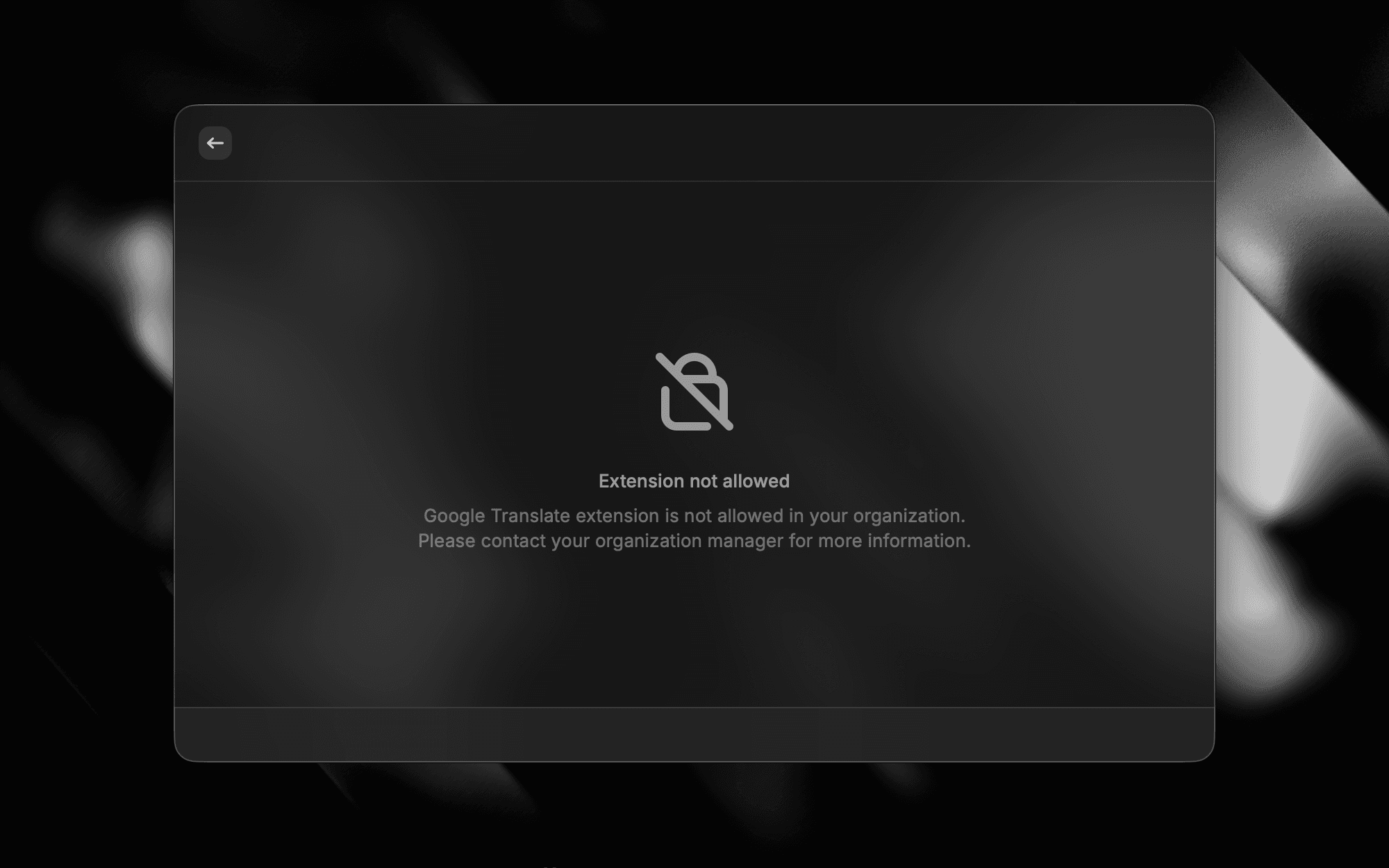
If an extension is removed from the allow-list, it is automatically disabled for members who already have it installed. When they try to use it, they will see an "Extension not allowed" message prompting them to contact their organization manager (see image below).
This is useful for organizations that want to restrict which third-party integrations their members can use, ensuring only vetted and approved extensions are available.