

MDM Sign-In Enforcement
Some Teams features are available in Raycast for Mac V2 and Windows, with full support coming in future updates. Raycast V1 and iOS remain unchanged.
Enforce that your organization members are logged in to their Raycast client with your organization's email. This is configured through an MDM (Mobile Device Management) configuration profile deployed by your IT team to managed Macs.
When the MDM profile is deployed with the RequiredSignInDomain key set to your organization's domain, Raycast will:
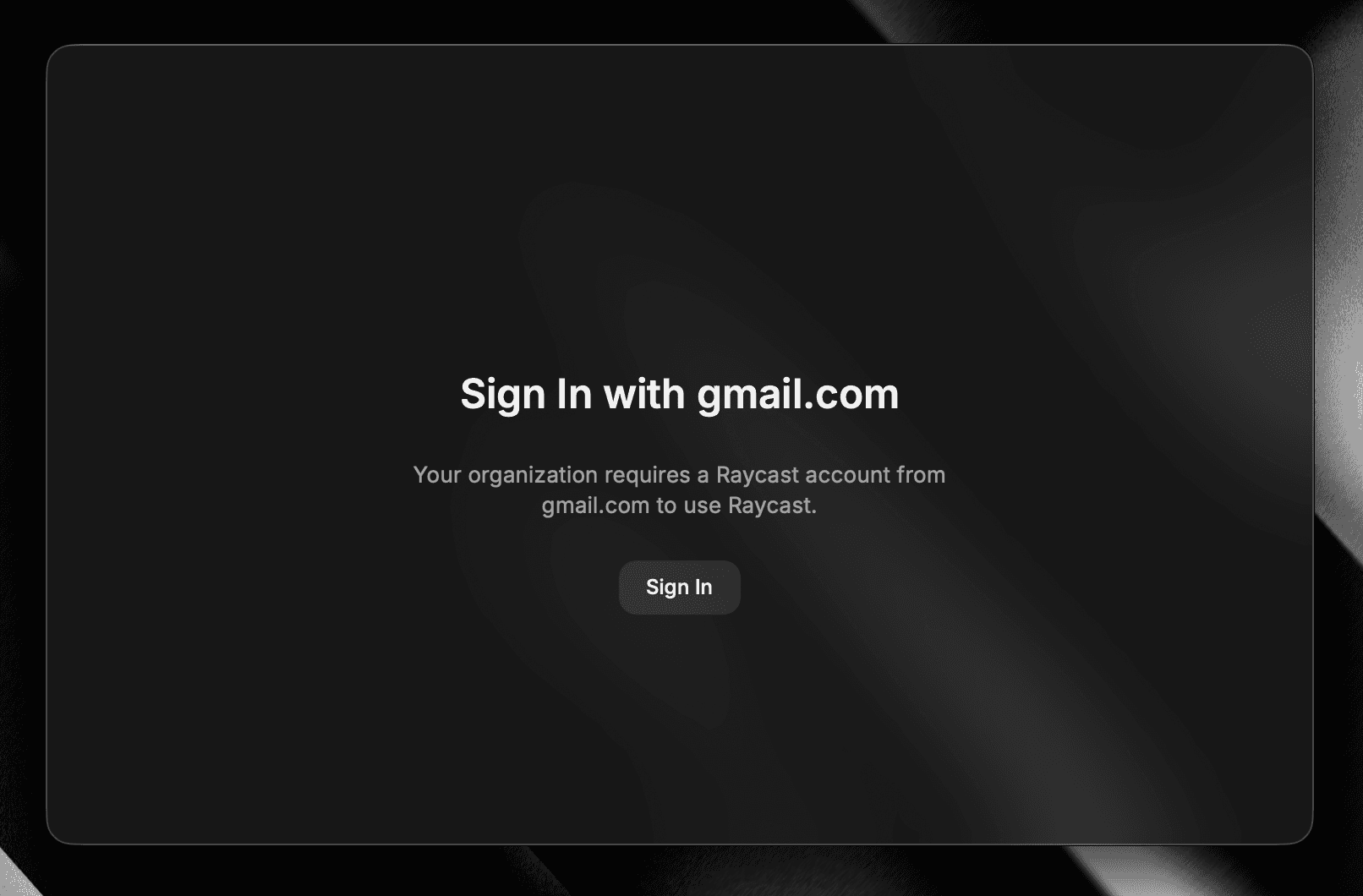
- Block access to the client until the user logs in with an account matching the required domain (see image below).
- Show an error if a user attempts to log in with an account from a different domain.
- Disable the log out option to prevent users from bypassing the enforcement.
This is compatible with any MDM solution that supports managed preferences on macOS (e.g., Jamf, Kandji). The MDM profile is deployed by your IT team, Raycast respects the configuration when present. This follows Apple's standard managed app configuration framework.
This ensures that enterprise management settings configured in the Organization Settings are always applied, and prevents users from using Raycast outside of your organization's control.