

New in Raycast v2
Welcome to the brand new Raycast, rebuilt from the ground up for the next era of personal computing. It's faster everywhere, the AI knows you now, and your hotkeys finally work the way you set them.
Take a tour below of what's new in Raycast v2 to discover what's different. A full list of changes is available under Everything New in v2 at the bottom of this page.
Fresh Design
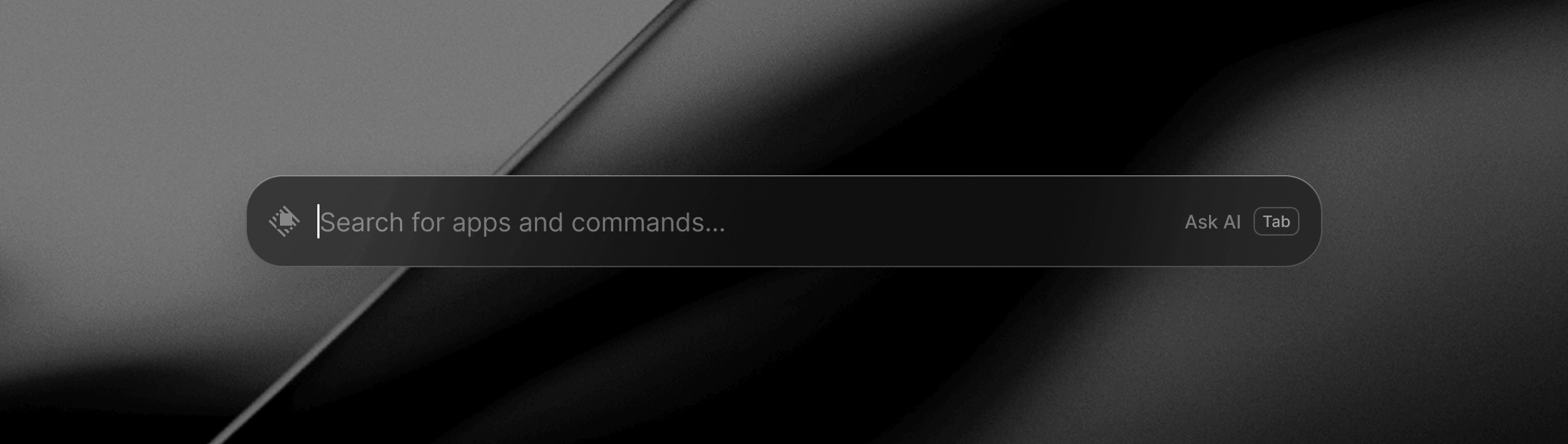
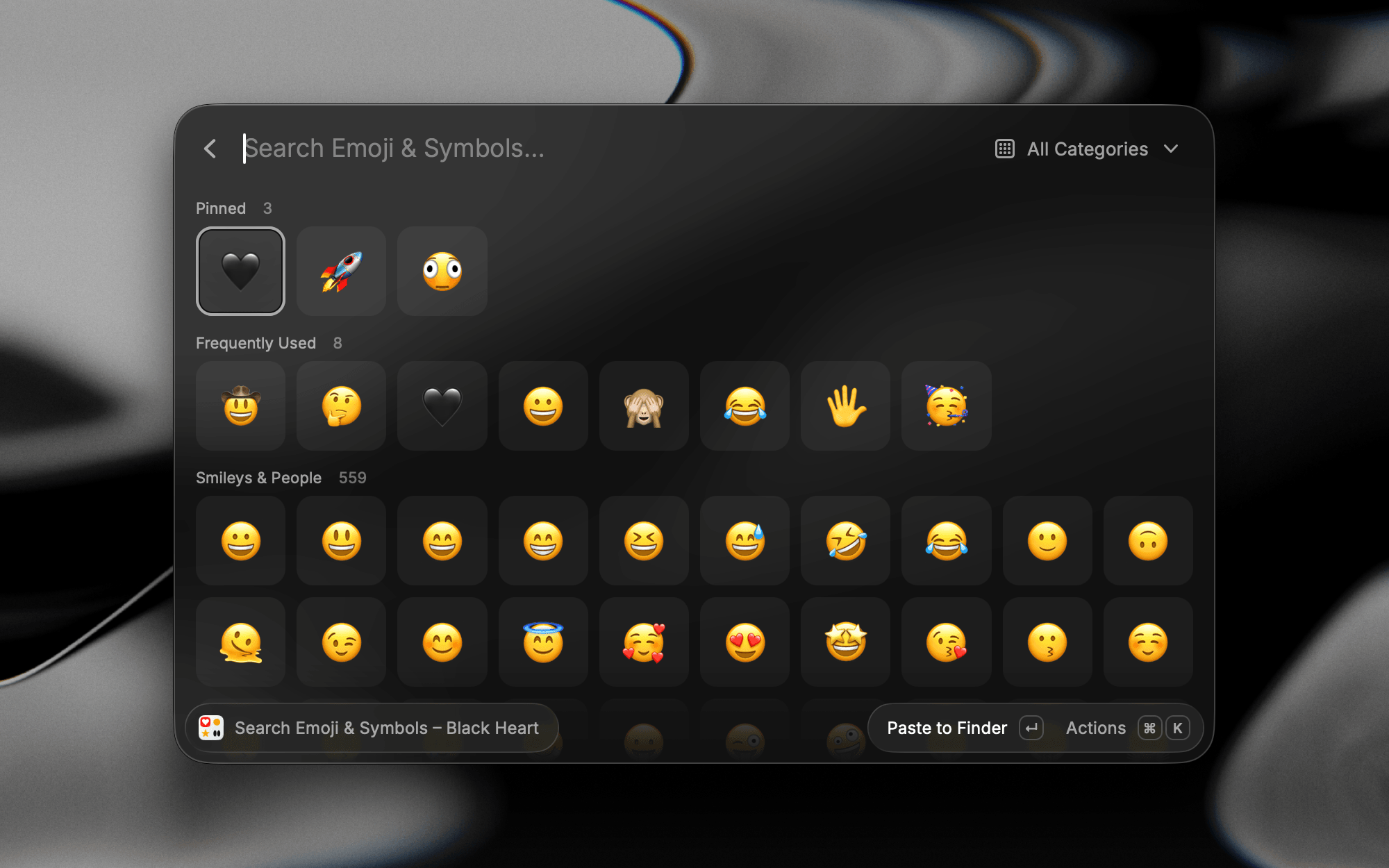
Raycast has been redesigned for Liquid Glass to fit right at home on your Mac. Compact window mode strips Raycast back even more to the essentials, and grids in Emoji & Symbols and Screenshots let you choose how many columns you see, so you decide how much fills the window.
Search Files and Settings
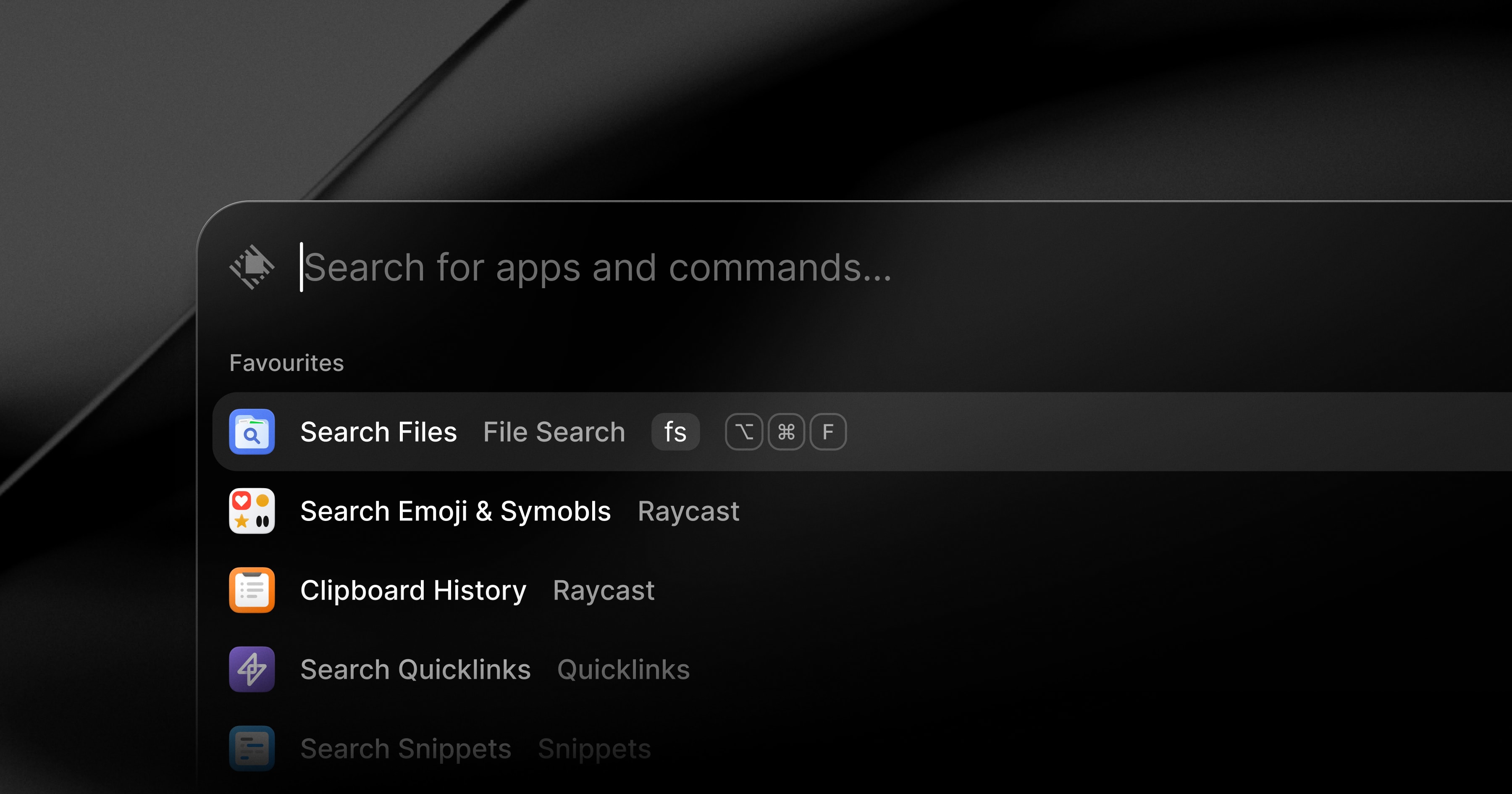
Type a filename or folder into Root Search and the File Search results will show alongside other results, no separate command needed. File Search also runs on a new indexing engine, with faster results and more ways to filter them. Settings has its own search now too, covering every extension, command, and setting.
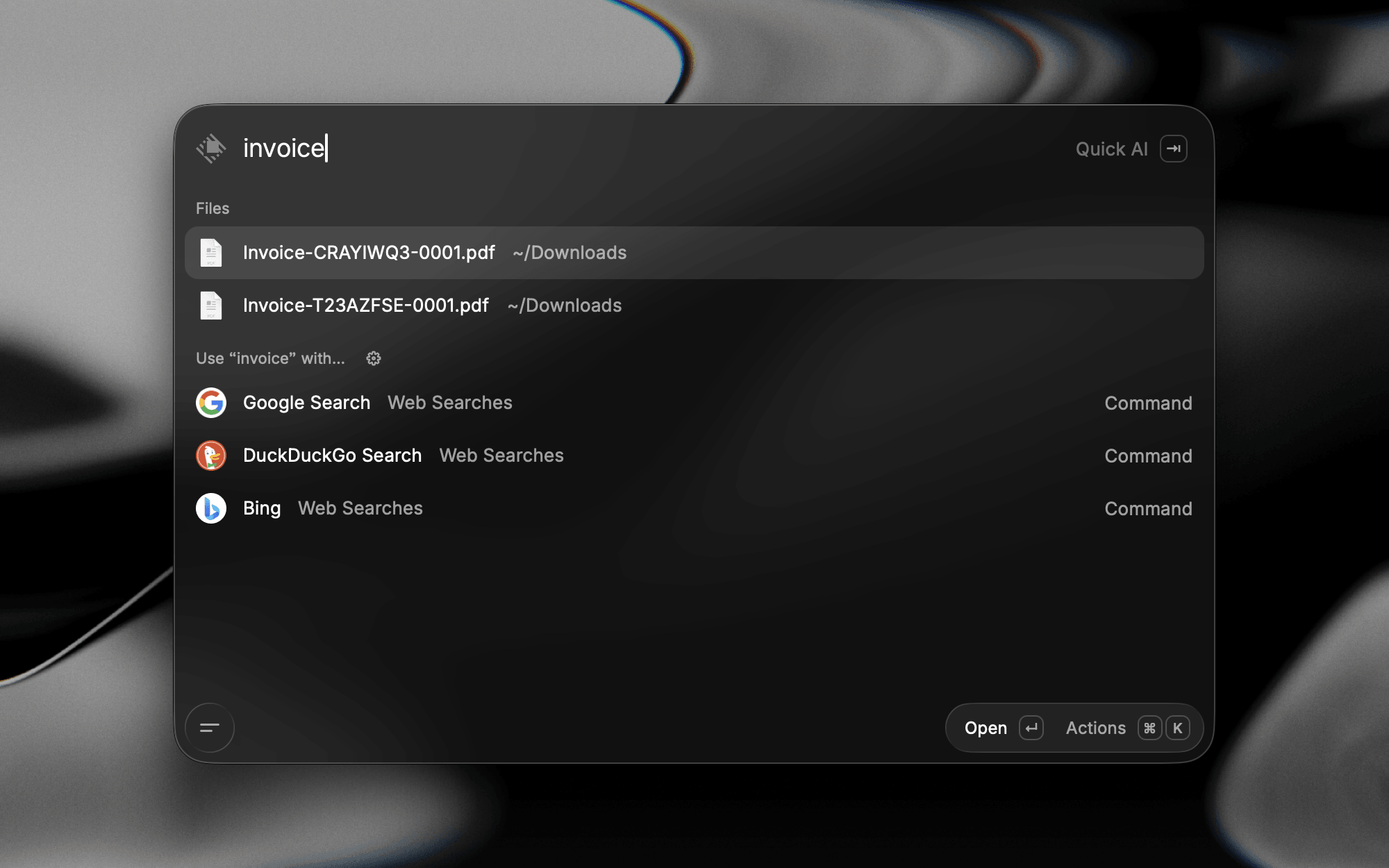
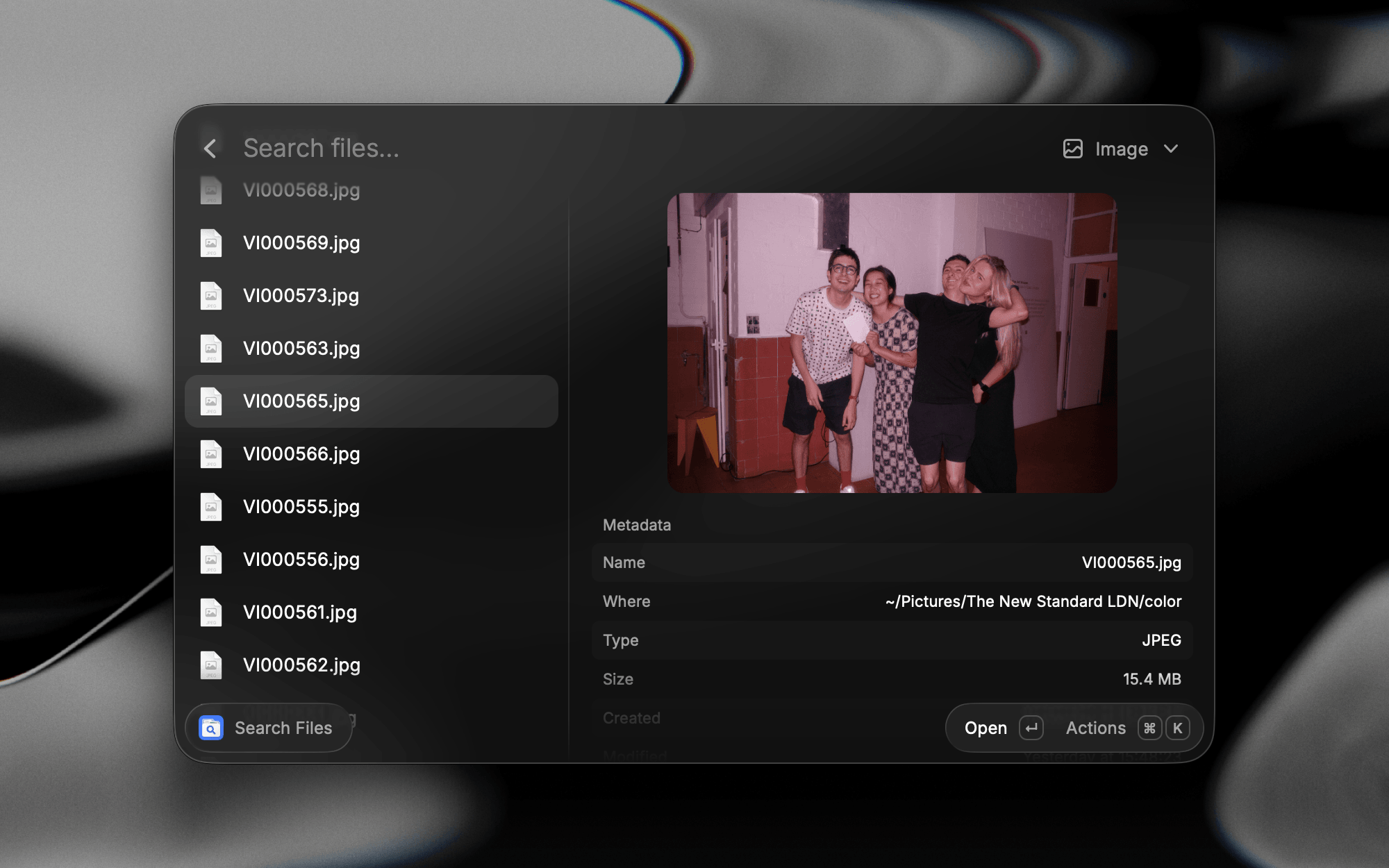
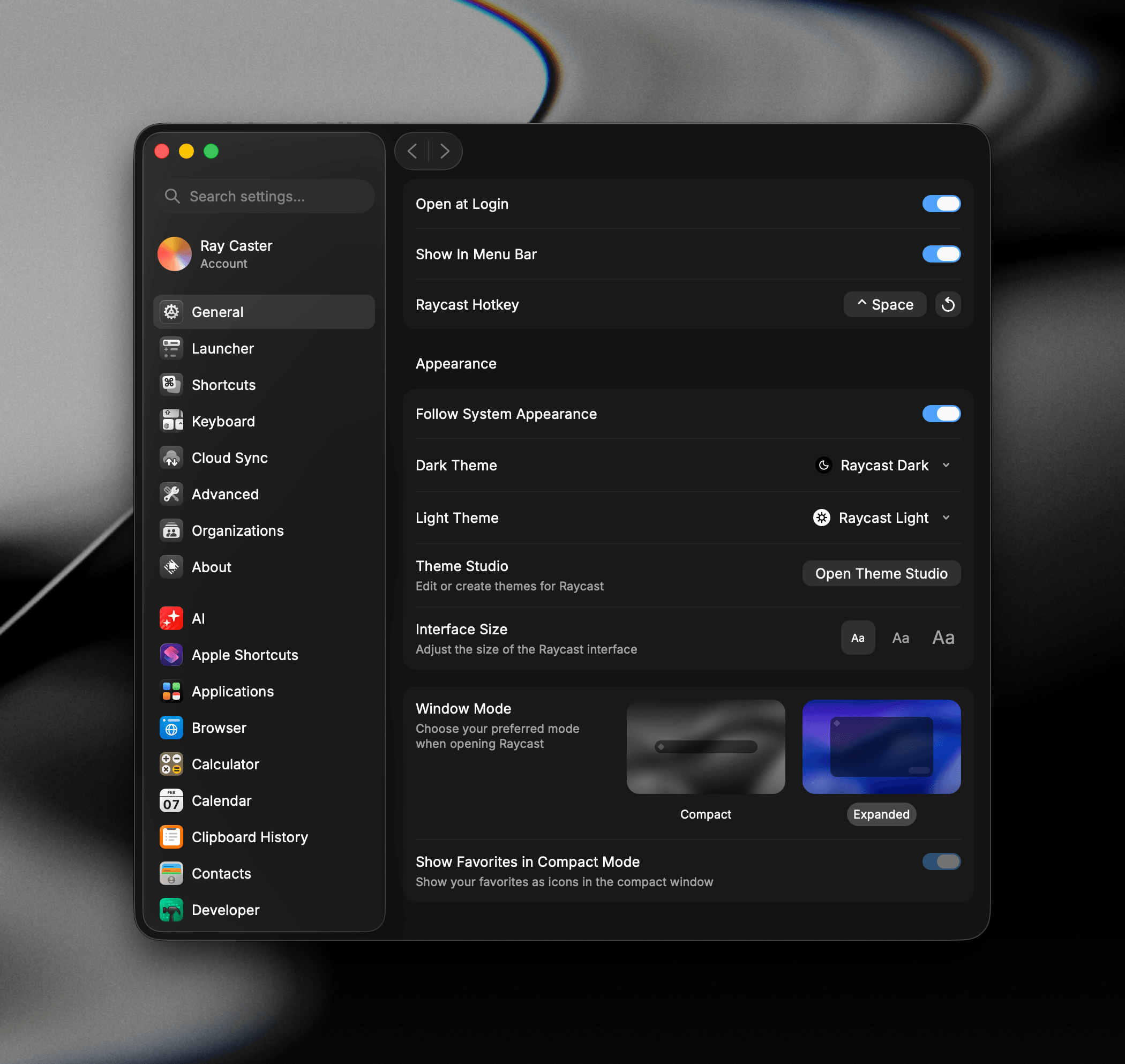
Learn more about File Search.
Even More Shortcuts
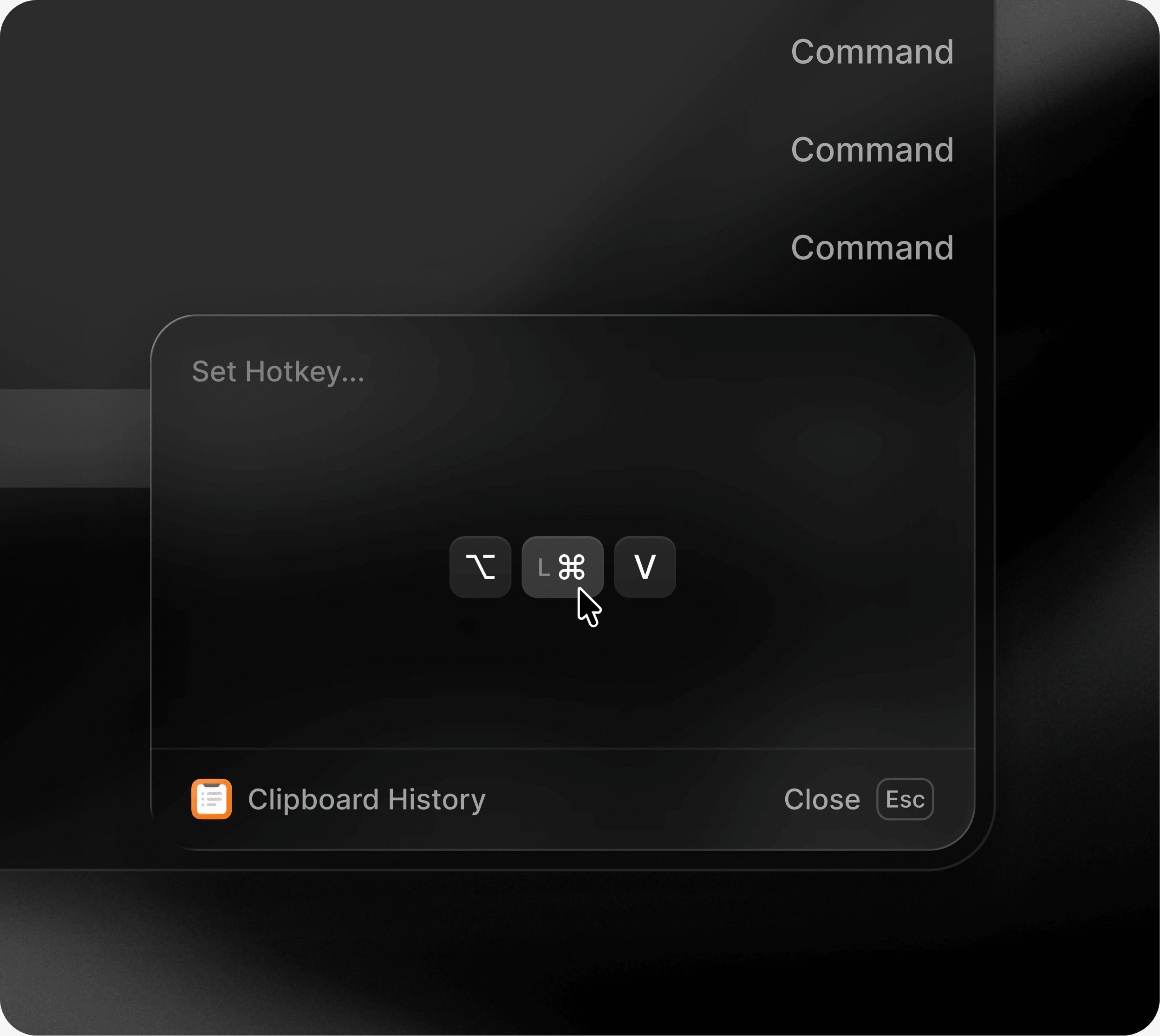
The hotkey recorder is quicker and more reliable, and it understands the keyboard you actually use. You can now use fn as a hotkey on its own, assign left and right modifiers separately, or set a hotkey straight from the Action Panel in the launcher.
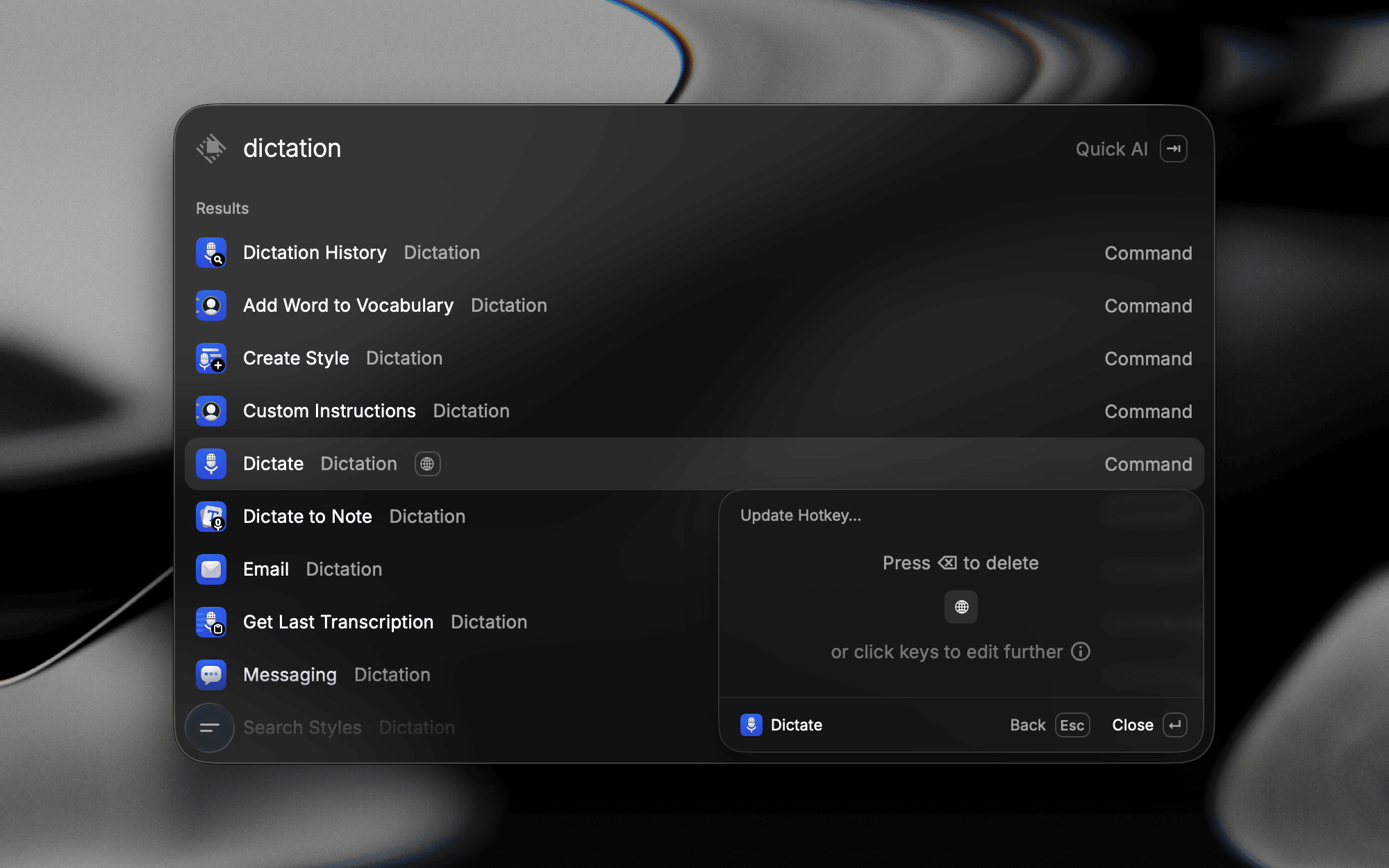
Learn more about Command Aliases & Hotkeys.
Ask AI, Anywhere
Ask a question in Root Search and Quick AI is there to answer it. It's been redesigned to match AI Chat, making it a familiar experience across both. Make Quick AI your fallback command and anything that isn't a command goes straight to AI.
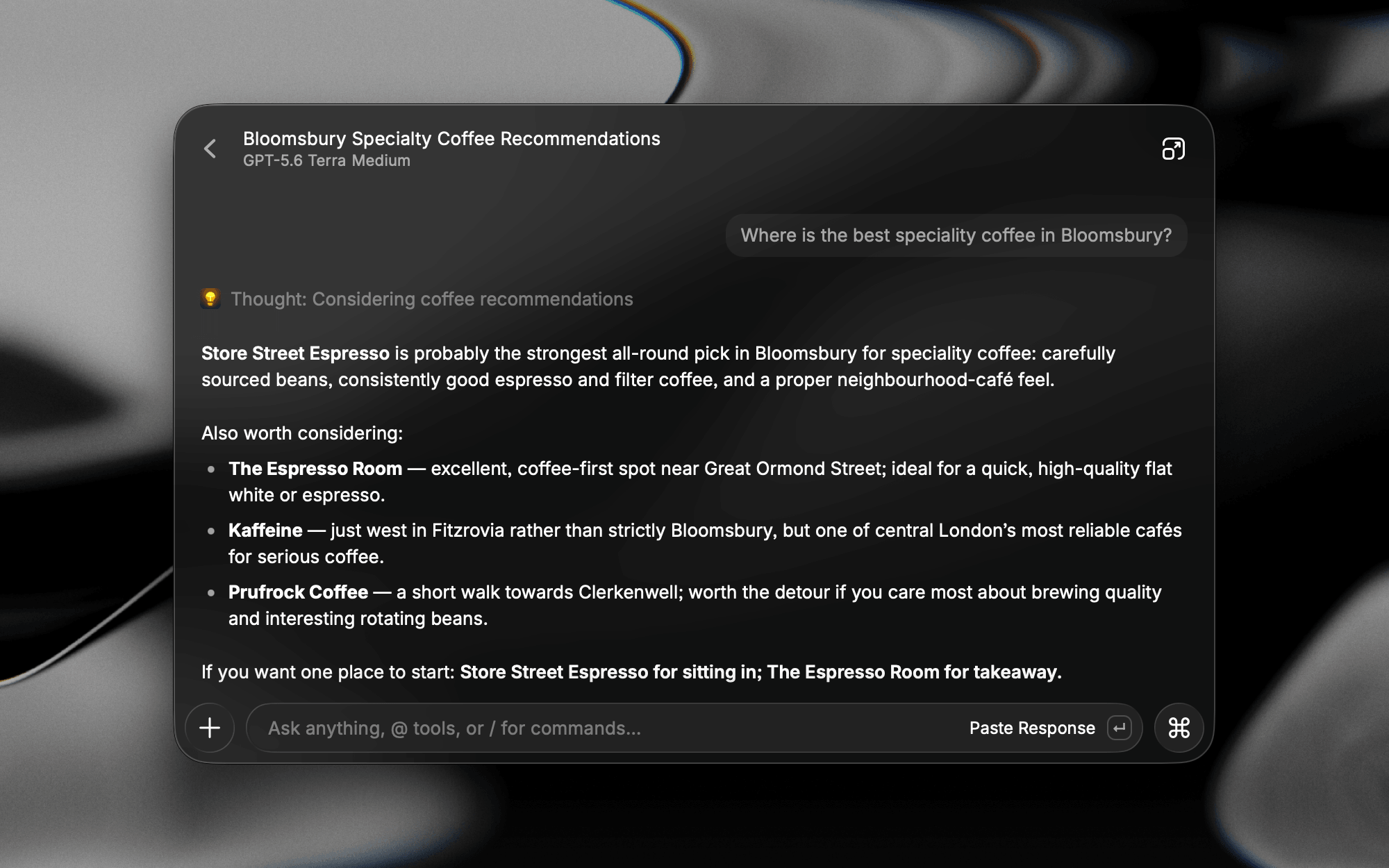
AI Chat can branch off any message to explore a different direction without losing the original thread. As a conversation nears its context limit, Raycast summarizes the earlier turns and keeps going.
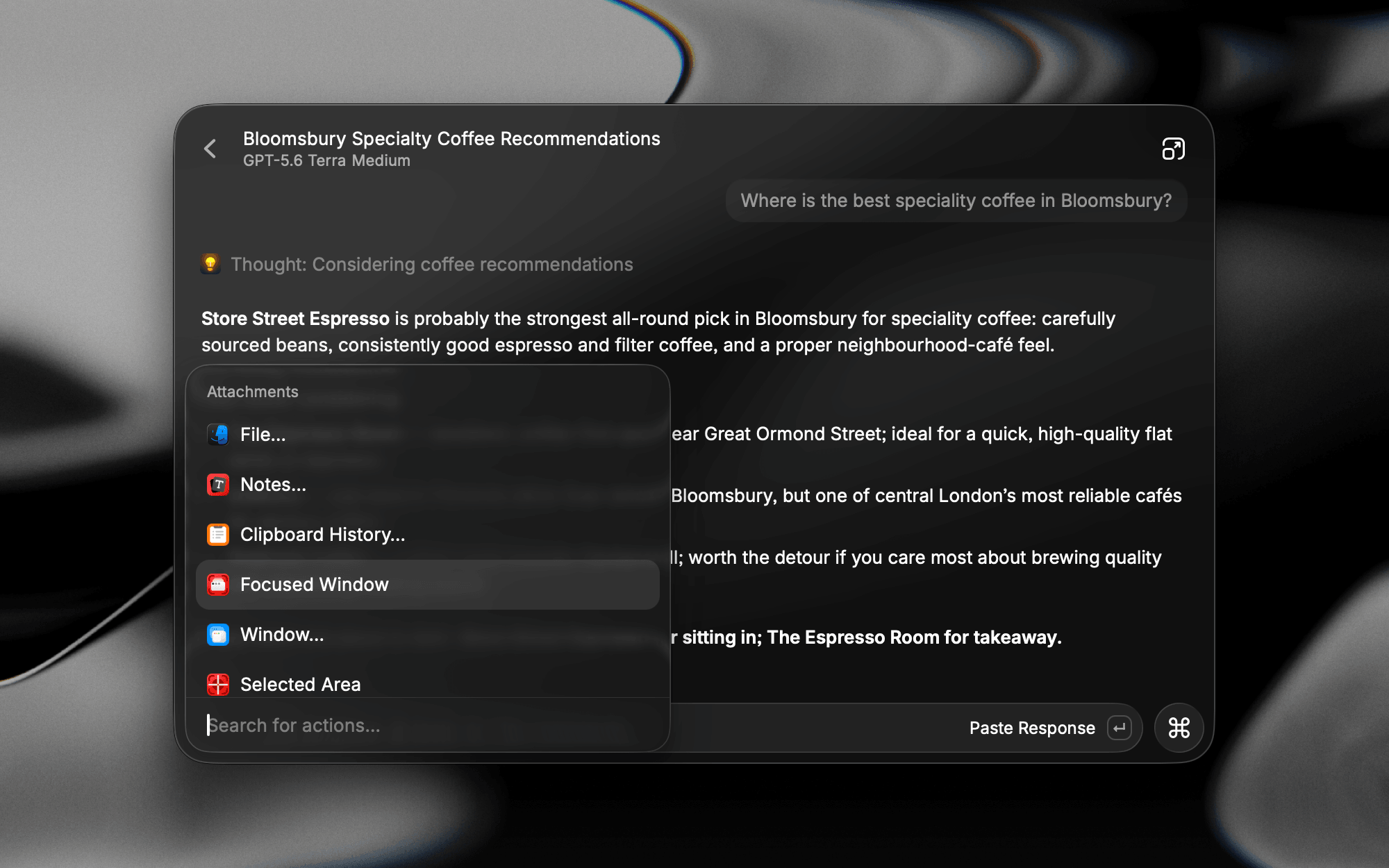
AI Extensions load in automatically when they're relevant, and Screen Awareness brings whatever is in front of you into the conversation: the focused window, your selection, and a screenshot, sent along with your question. The chat sidebar is new too, with projects to group related chats under shared instructions and auto-archiving to keep the rest tidy, plus notifications when a reply lands while you're in another app.
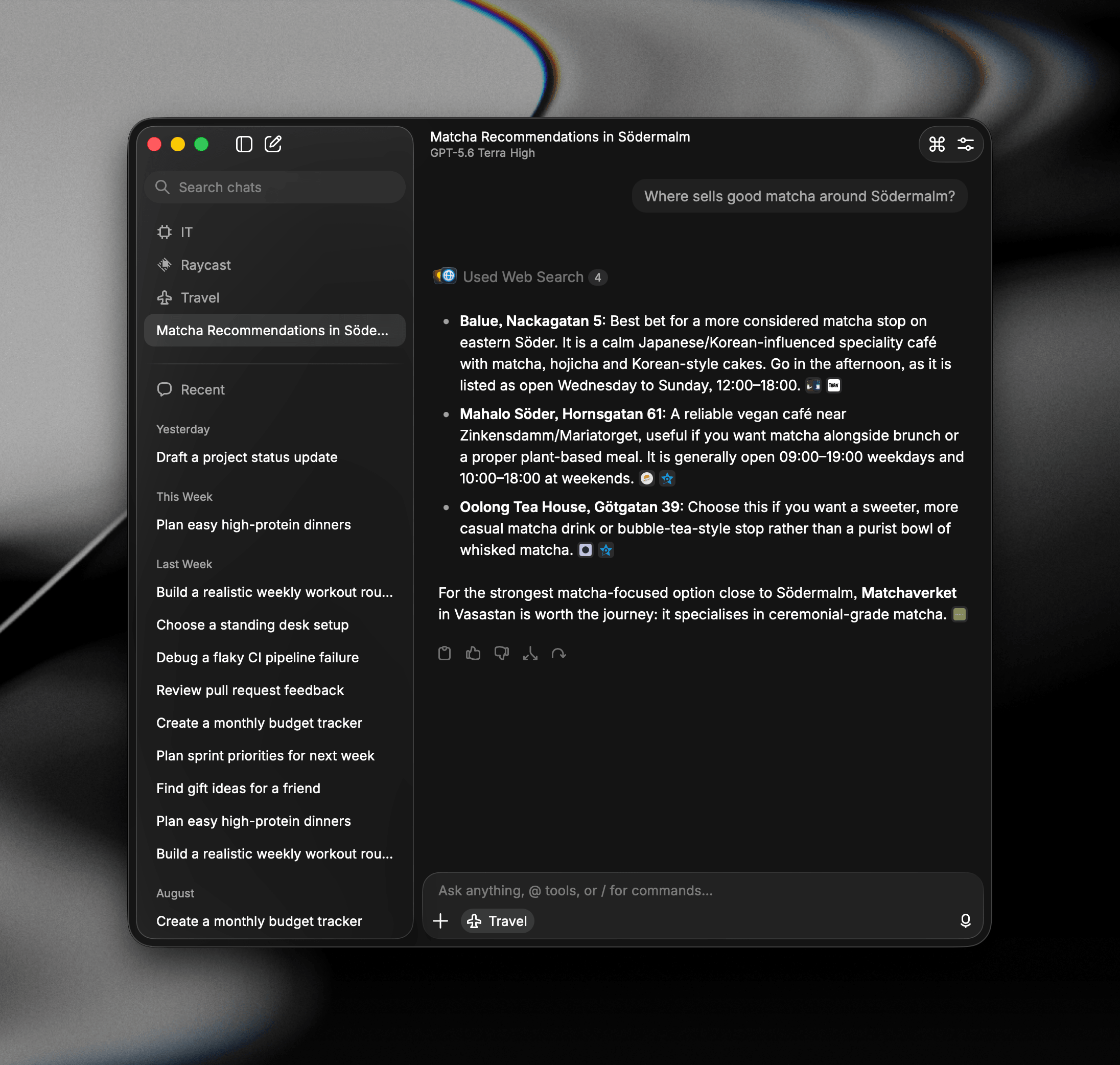
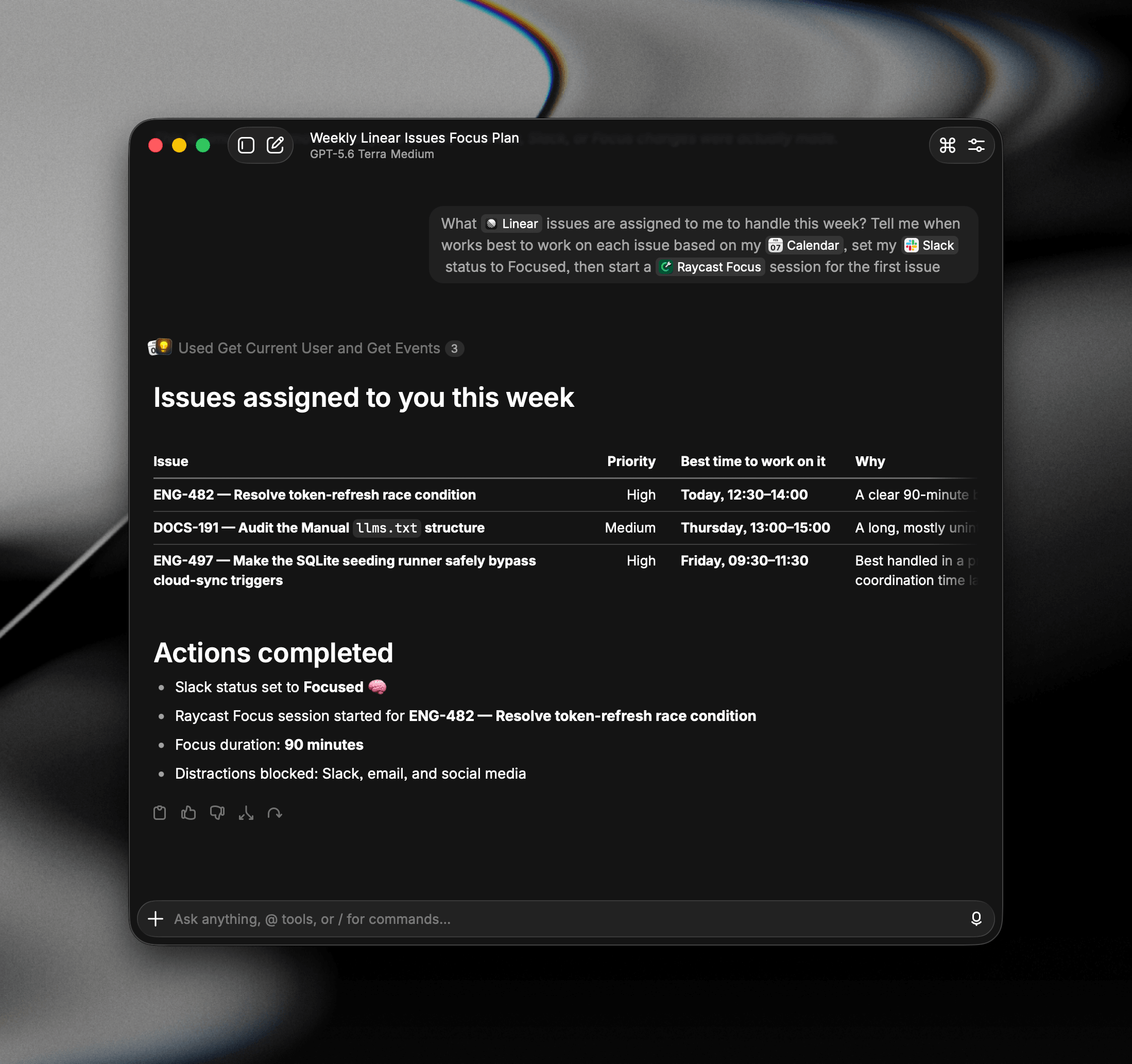
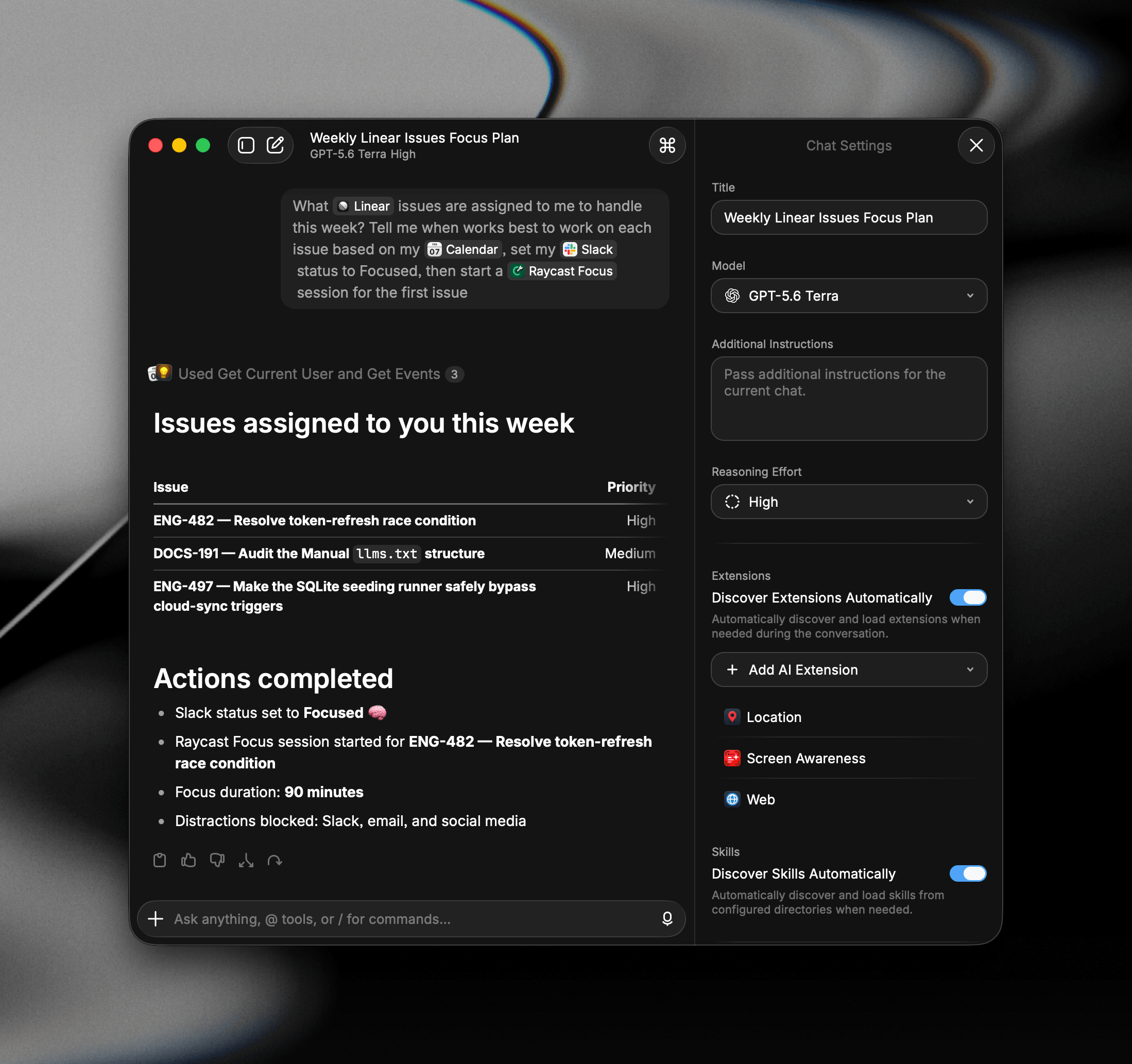
Learn more about Quick AI, AI Chat, and Screen Awareness.
A More Personal AI
Raycast AI now carries context about you between conversations. Profile is what you tell it about your job, interests, values, or preferences like writing styles. Memory is what it picks up about you throughout your chats.
Agents replace Presets as reusable setups you switch into, and Skills give the model instructions and knowledge for the tasks you repeat.
Learn more about Personalization, Agents, and Skills.
Talk Instead of Typing
Dictation lays down clean, formatted text in the app you're in, filler words and punctuation handled. It picks up whichever language you're speaking, or you can set one yourself in Settings.
Auto Styling matches the tone to where you are, so the same words land as an email in Mail and a quick message in Slack, and Styles let you write your own prompts per app or website.
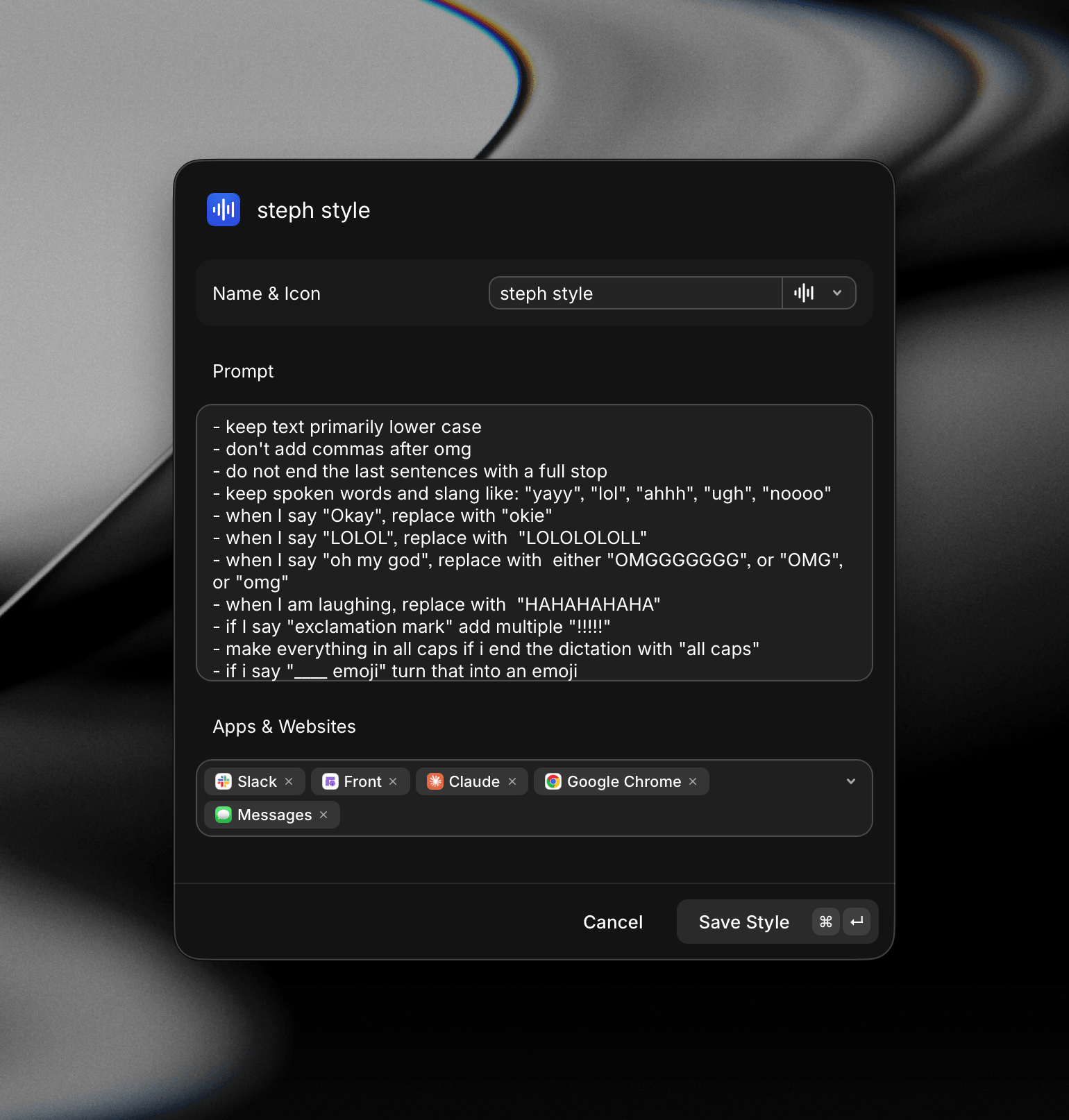
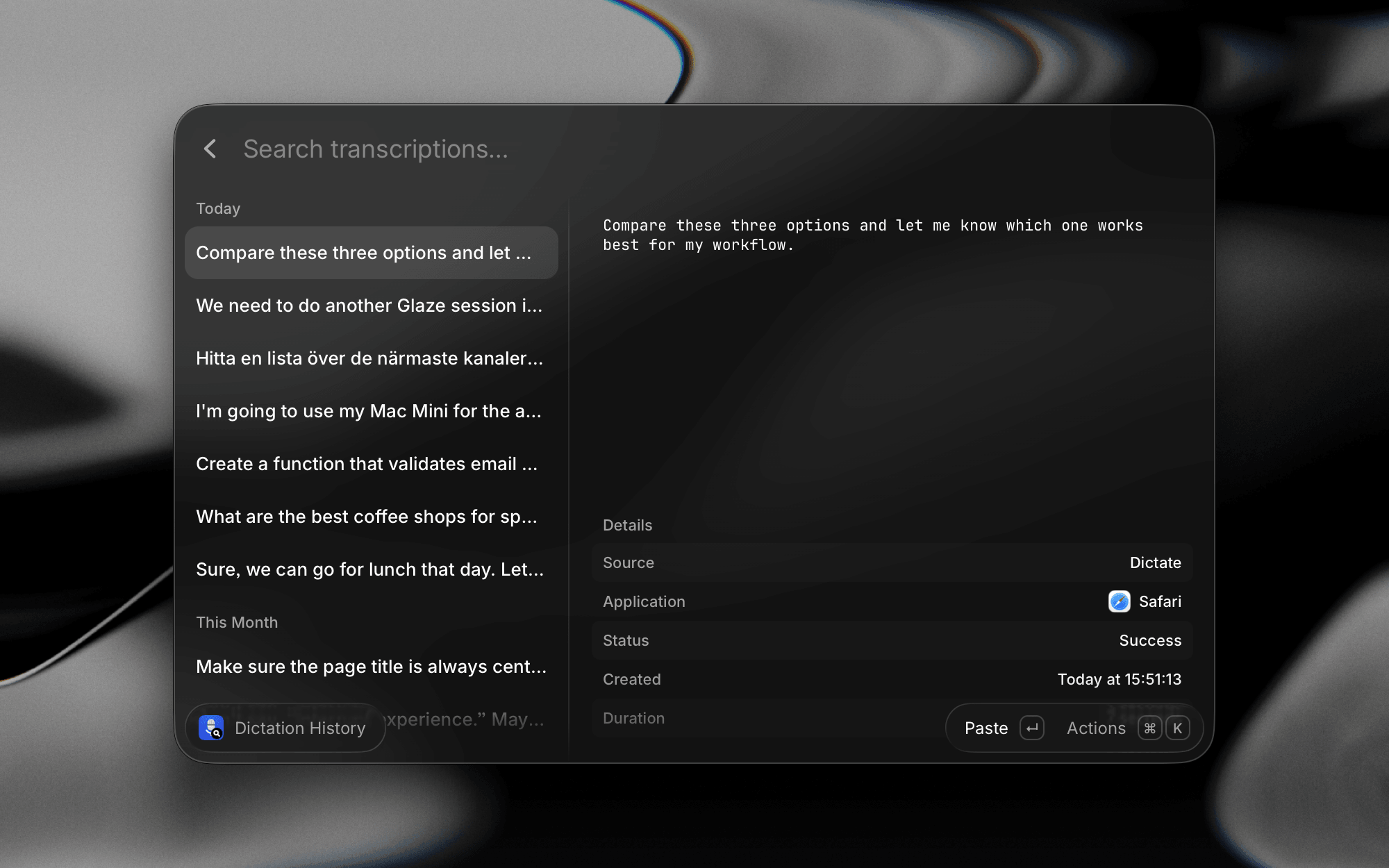
Learn more about Dictation.
Everything New in v2
Every change in Raycast v2, grouped by where you'll find it.