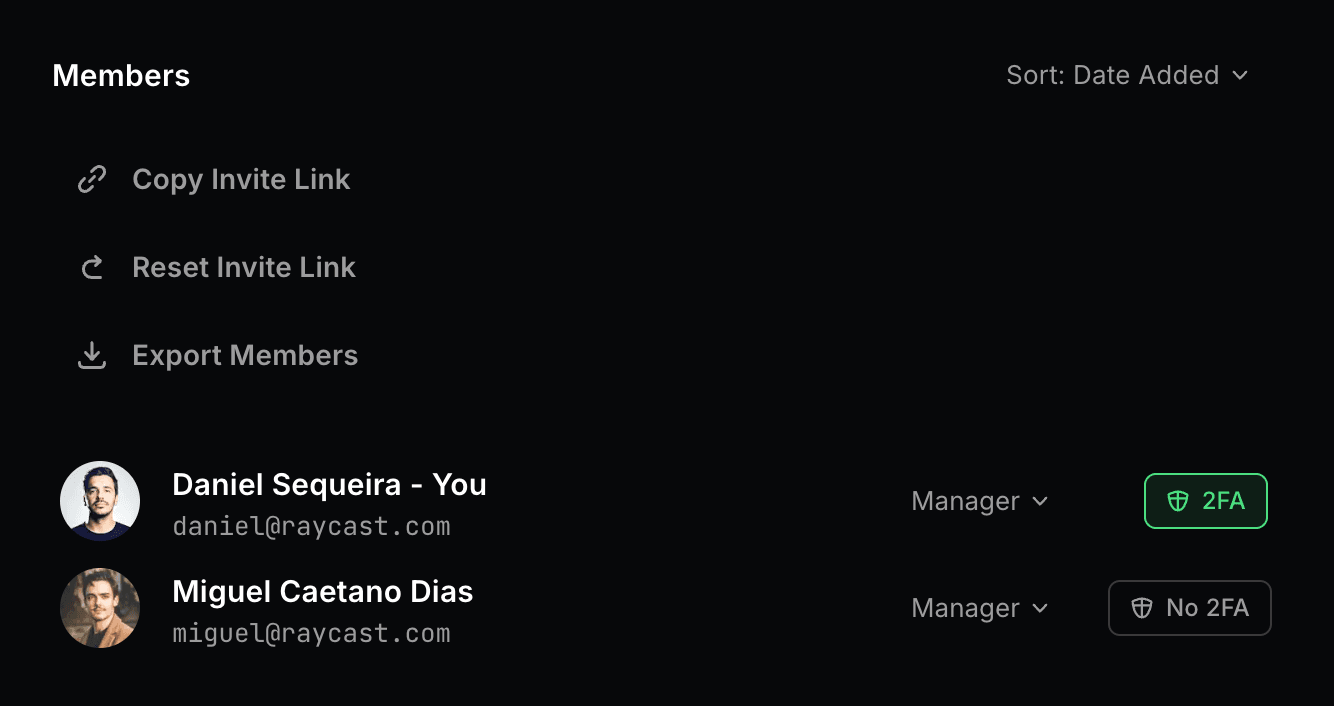

Two-Factor Authentication (2FA) Enforcement
Support for Enterprise features in Raycast for Windows has not yet been added. Contact us if you require these features in your organization.
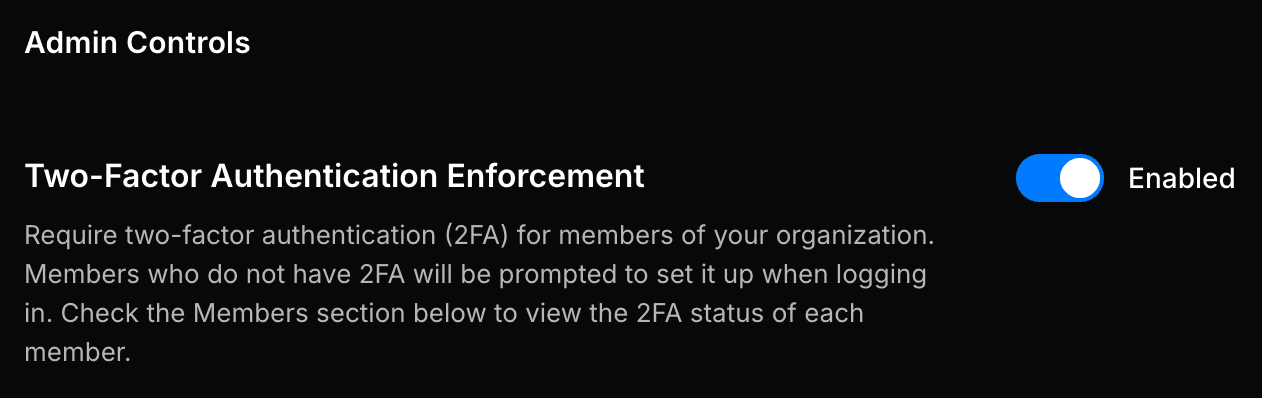
Require two-factor authentication for all members of your organization. When enabled, members who do not have 2FA set up will be prompted to configure it when logging in.
Default: Disabled
Setup Two-Factor Authentication Enforcement
- In Raycast Account Settings, navigate to Organization → Admin Controls
- Click the toggle next to Two Factor Authentication Enforcement
- Once enabled, a message reading "2FA requirements updated successfully" will appear, and the toggle will show as Enabled
Managers can view each member's 2FA status (Enabled "2FA" / Disabled "No 2FA") in the Members section of the Organization Settings page.