

Themes
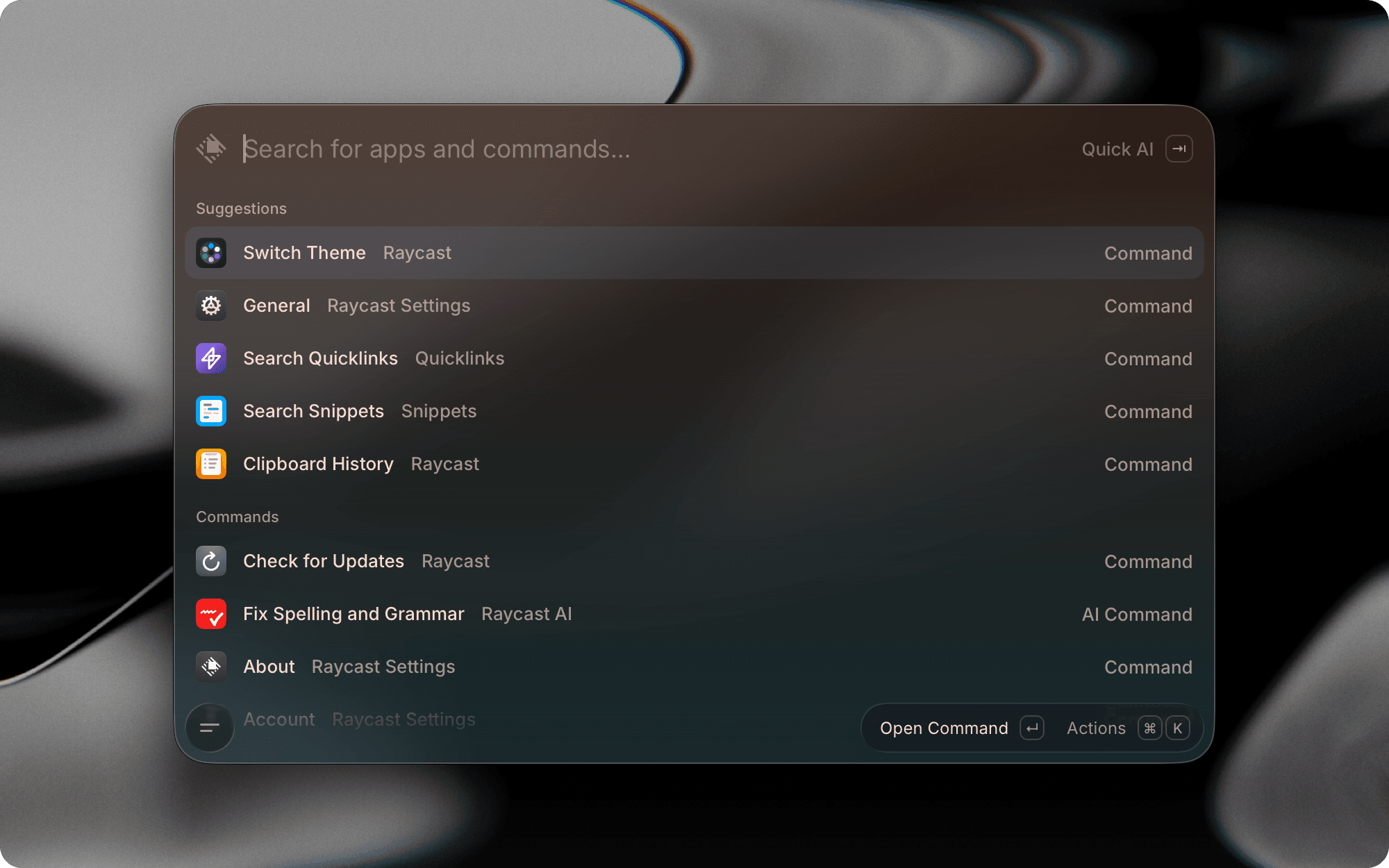
Themes let you customize the look and feel of Raycast to match your vibe. You can adjust the background, primary text, and support colors, which adapts across Raycast in Light and Dark mode.
Theme Studio
Theme Studio is the built-in editor where you can choose from a curated collection of included themes, tweak existing ones to suit your preferences, or design a completely custom theme from scratch. Every color adjustment is previewed in real-time, so you can see exactly how your changes will look before applying them.
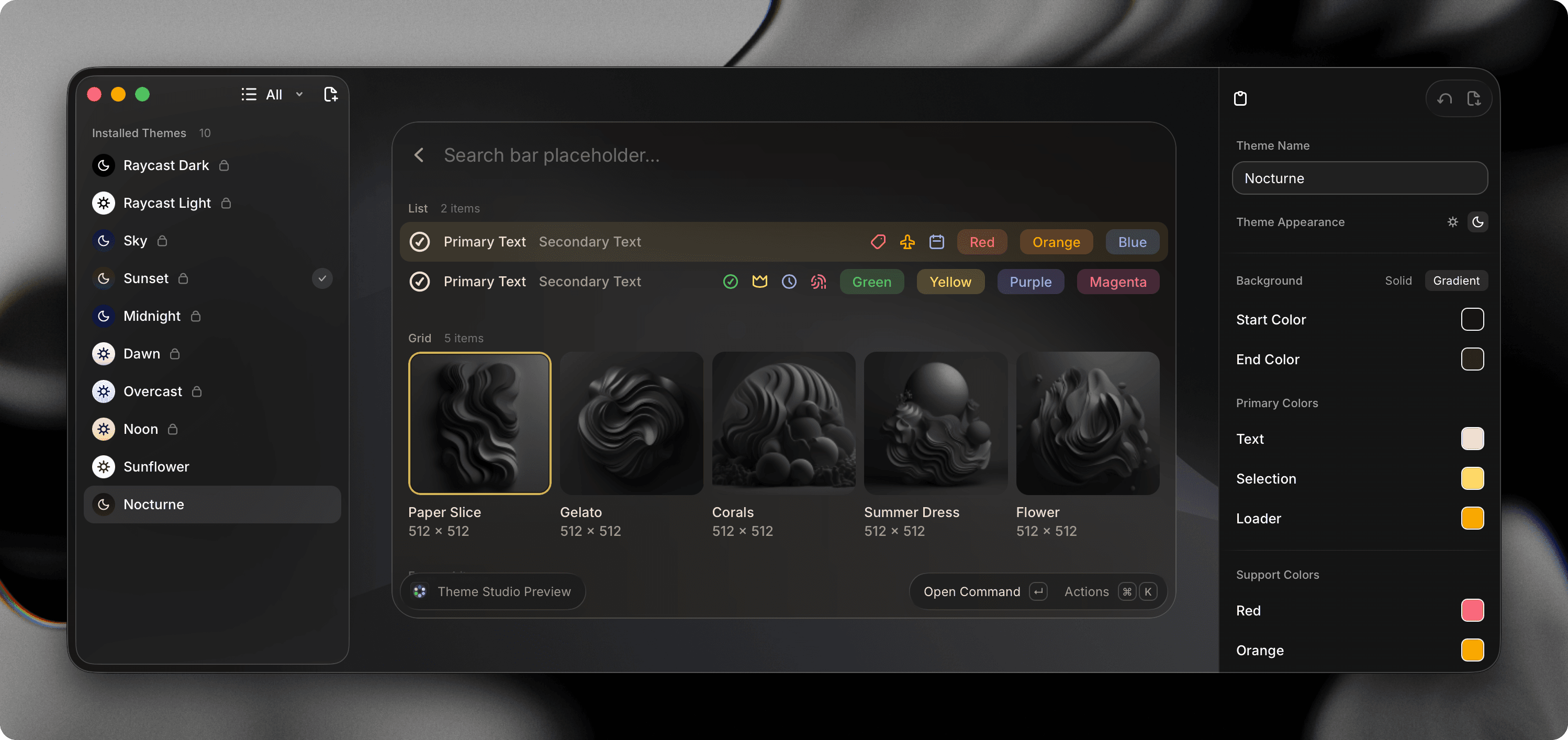

When creating a custom theme in Theme Studio, you can:
- Name your theme and select whether it is a Light or Dark mode theme
- Adjust the appearance, including background color or gradient, primary colors, and support colors. You can paste hex values directly or pick colors using the color picker.
- Save your theme or copy as URL to share with others.
You can also right-click a theme in the sidebar to see more options such as set as Light or Dark mode theme, duplicate, copy as JSON, or delete theme.
Switch Theme Command
Use the Switch Theme command to browse all installed themes and apply one as your current theme. You can also use the Set as Light Theme or Set as Dark Theme actions in the Action Panel to adjust your theme settings separately for each system appearance.
Theme Settings
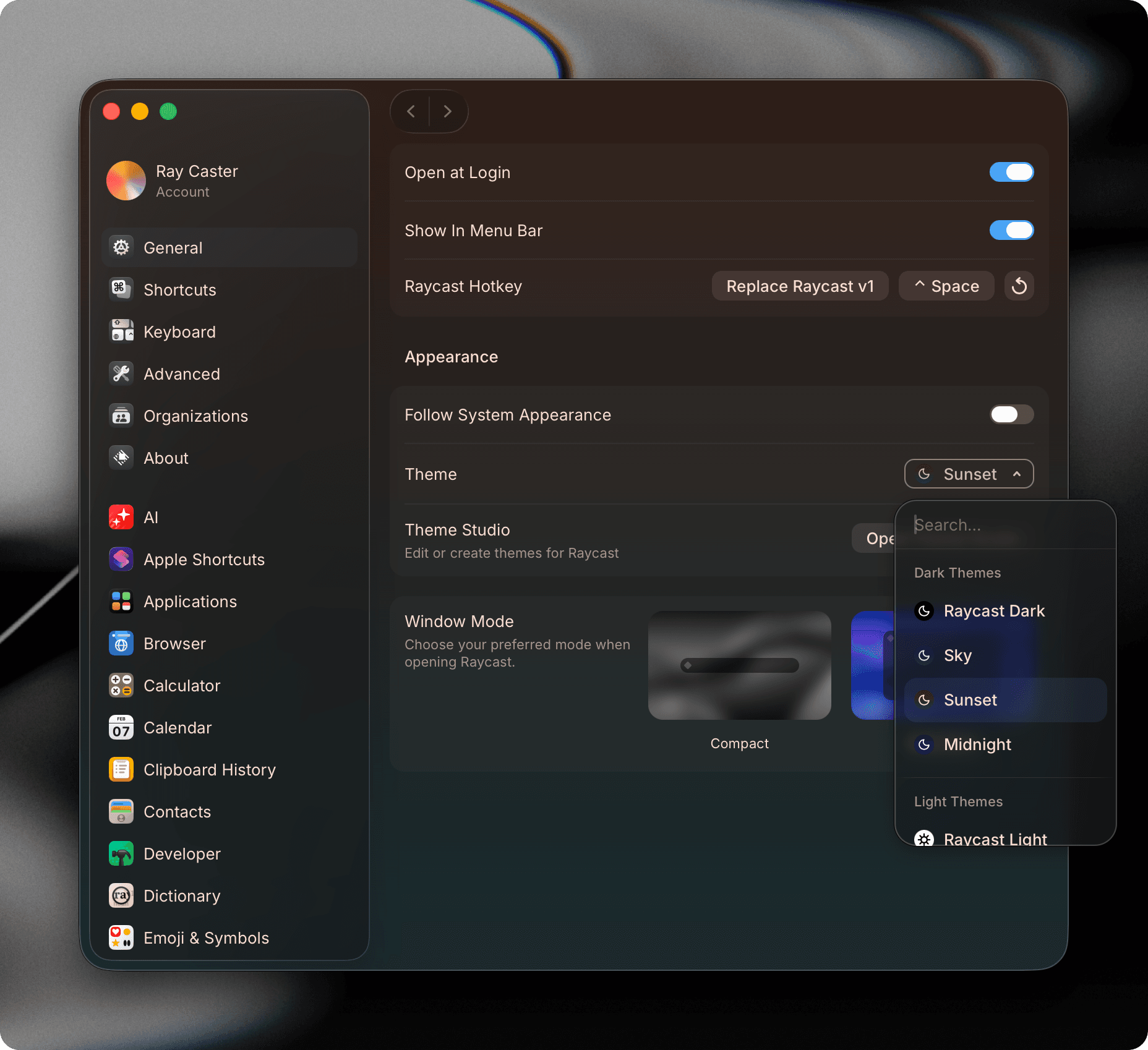
Theme preferences can be found in the Appearance section under General in Settings. From here, you can browse and switch between installed themes, set separate themes for Light and Dark Mode, and open Theme Studio.

Share & Import Themes
Themes are shared as URLs that encode their colors, appearance, and creator information. Export a theme from Theme Studio by right-clicking it in the sidebar and selecting Copy as URL to share a themes.ray.so link, or Copy as JSON to copy the theme data to your clipboard.
Browse community-created themes at themes.ray.so and click Add to Raycast on any theme.