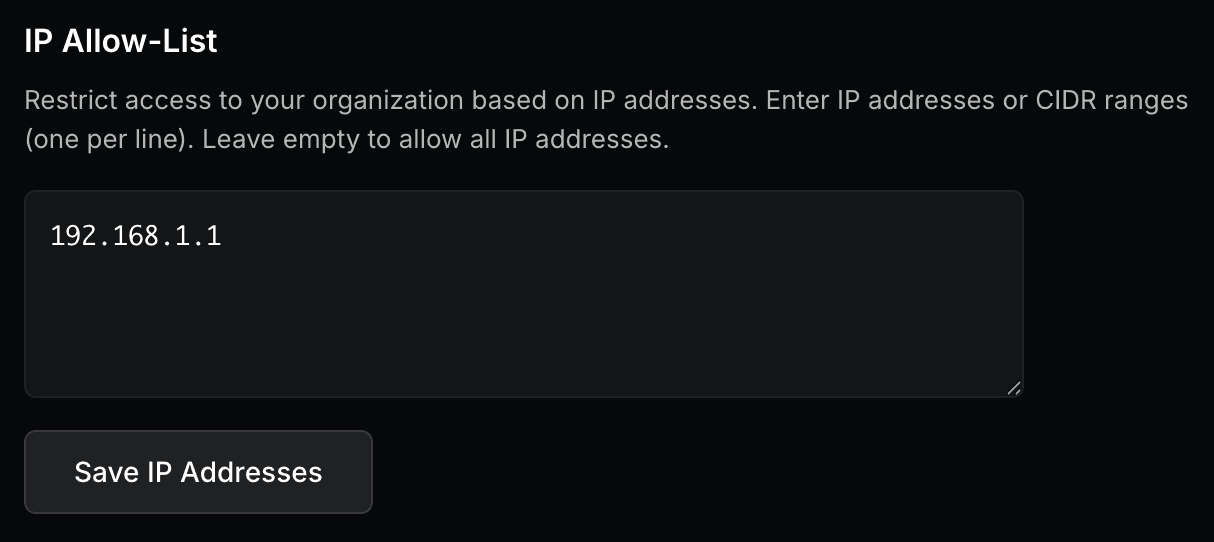
IP Allow-List
Support for Enterprise features in Raycast for Windows has not yet been added. Contact us if you require these features in your organization.
Restrict access to your organization based on IP addresses. Configure IP address restrictions to limit backend API access to specific IP ranges (e.g., your corporate VPN).
- Supports both IPv4 and IPv6 addresses
- Enter one IP address or CIDR range per line
- Examples:
10.0.0.0/8(single IP or subnet),192.168.1.0/24(IP range) - Leave empty to allow all IP addresses
When enabled with configured IP ranges, all API requests must originate from the allowed ranges. If IP restrictions are enabled but no IP ranges are configured, no restrictions will be applied.
Configure IP Allow-List
- In Raycast Account Settings, navigate to Organization → Admin Controls
- In the input field below IP Allow-List enter the IP addresses or CIDR ranges you want to allow and click on Save IP Addresses
- A message reading "IP restrictions updated successfully" will appear, confirming the change