

MDM Sign-In Enforcement
Support for Enterprise features in Raycast for Windows has not yet been added. Contact us if you require these features in your organization.
Enforce that your organization members are logged in to their Raycast client with your organization's email. This is configured through an MDM (Mobile Device Management) configuration profile deployed by your IT team to managed Macs.
When the MDM profile is deployed with the RequiredSignInDomain key set to your organization's domain, Raycast will:
- Block access to the client until the user logs in with an account matching the required domain (see image below).
- Show an error if a user attempts to log in with an account from a different domain.
- Disable the log out option to prevent users from bypassing the enforcement.
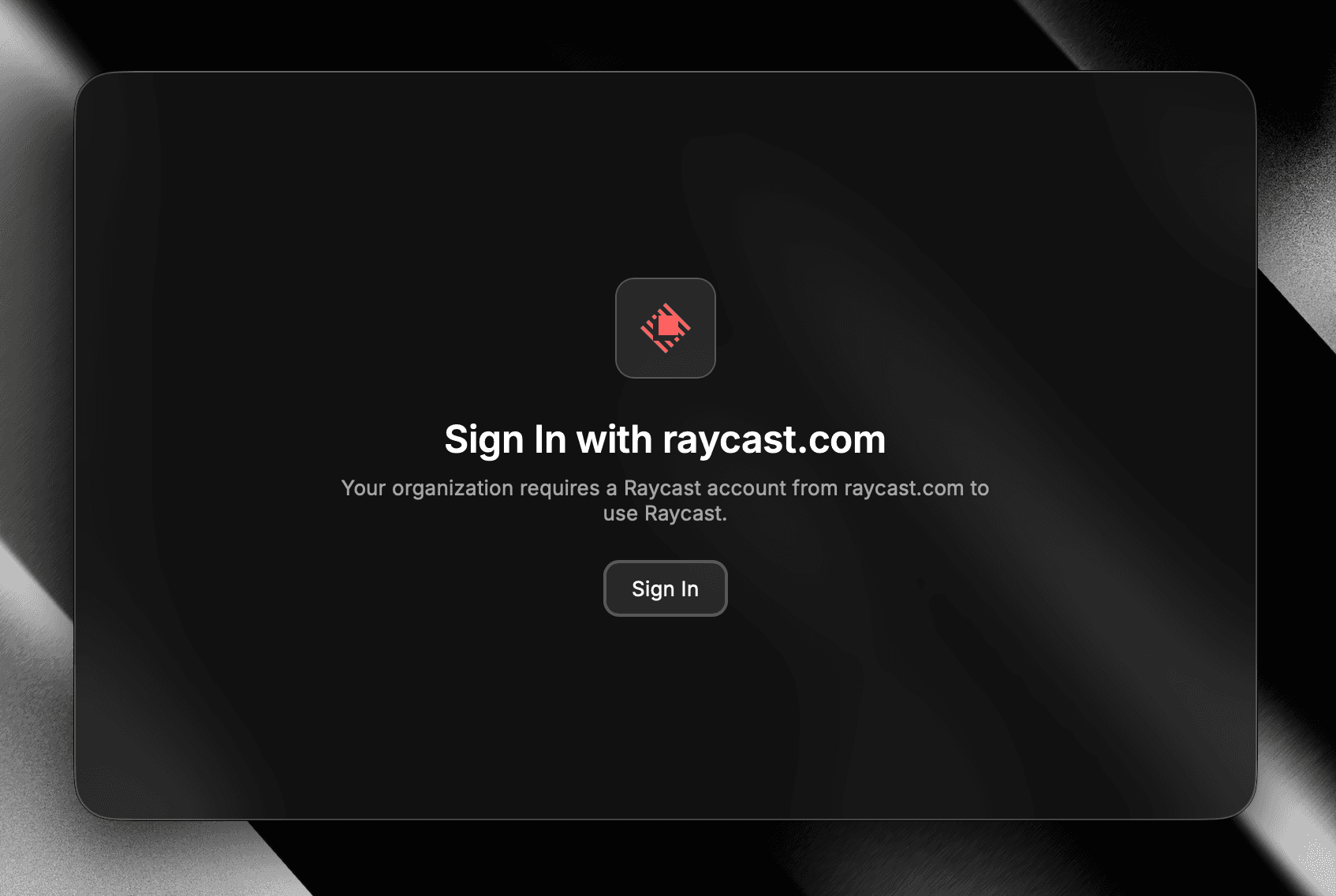
This is compatible with any MDM solution that supports managed preferences on macOS (e.g., Jamf, Kandji). The MDM profile is deployed by your IT team, Raycast respects the configuration when present. This follows Apple's standard managed app configuration framework.
This ensures that enterprise management settings configured in the Organization Settings are always applied, and prevents users from using Raycast outside of your organization's control.
Setup MDM Sign-In Enforcement
- Download template
.mobileconfigfile- Replace
UNIQUE-UUID-1andUNIQUE-UUID-2with unique identifiers - Replace
your-domain.comwith your company's email domain (e.g.,company.com,raycast.com)
- Replace
- Create a new/custom Profile in your MDM
- Upload the
.mobileconfigfile to the profile - Assign the appropriate target users or device that require this enforcement
- Upload the
- After deploying the profile, verify it's installed on managed devices:
- On the macOS device, open System Settings → General → Device Management
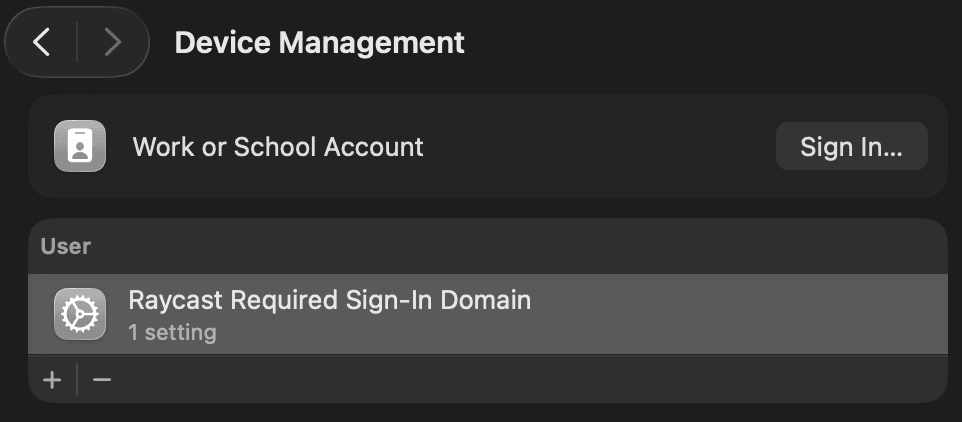
- Look for the "Raycast Required Sign-In Domain" profile in the list
- The profile should appear under the MDM management section (similar to the screenshot below)
Configuration Reference
| Setting | Value | Description |
|---|---|---|
PayloadDisplayName | Any string | Human-readable name shown in System Settings |
PayloadIdentifier | com.raycast.mdm.requiredsignin | Unique identifier for the profile |
PayloadUUID | UNIQUE-UUID-X | Unique UUID (Universally Unique Identifier) |
| Bundle ID | com.raycast.macos | Raycast's macOS application identifier |
RequiredSignInDomain | Your domain (e.g., company.com) | Email domain users must use to sign in to Raycast |