
AI Feedback Control
Support for Enterprise features in Raycast for Windows has not yet been added. Contact us if you require these features in your organization.
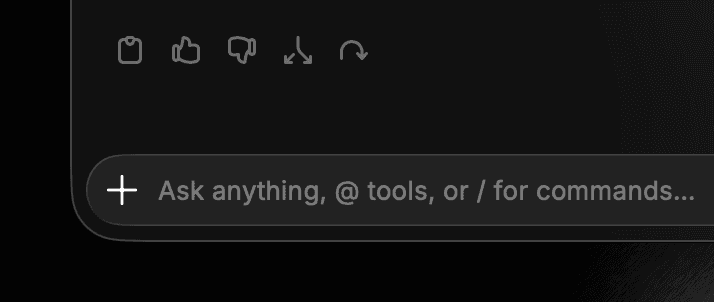
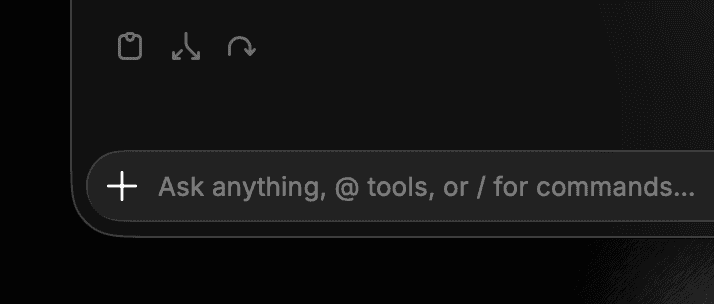
Control whether AI feedback (thumbs up/down icons on AI responses) is available for your organization. This is relevant when AI is enabled but your organization prefers not to share feedback data, typically due to privacy concerns.
When disabled:
- Feedback icons are not displayed in the Raycast client
- The AI feedback API is inaccessible for affected users
Default: Enabled
Configure AI Feedback Control
- In Raycast Account Settings, navigate to Organization → AI Control Center
- Click the toggle next to Share AI Feedback to enable or disable it
- A message reading "Settings updated successfully" will appear, confirming the change

The images below show how AI responses appear in the Raycast client with AI feedback enabled and disabled.