
Cloud Sync Control
Support for Enterprise features in Raycast for Windows has not yet been added. Contact us if you require these features in your organization.
Control whether Cloud Sync is available for your organization's members. Cloud Sync synchronizes users' settings and data across Apple devices via Raycast's servers.
Default: Enabled
Configure Cloud Sync Control
- In Raycast Account Settings, navigate to Organization → Admin Controls
- Click the toggle next to Cloud Sync to enable or disable it
- A message reading "Settings updated successfully" will appear, confirming the change

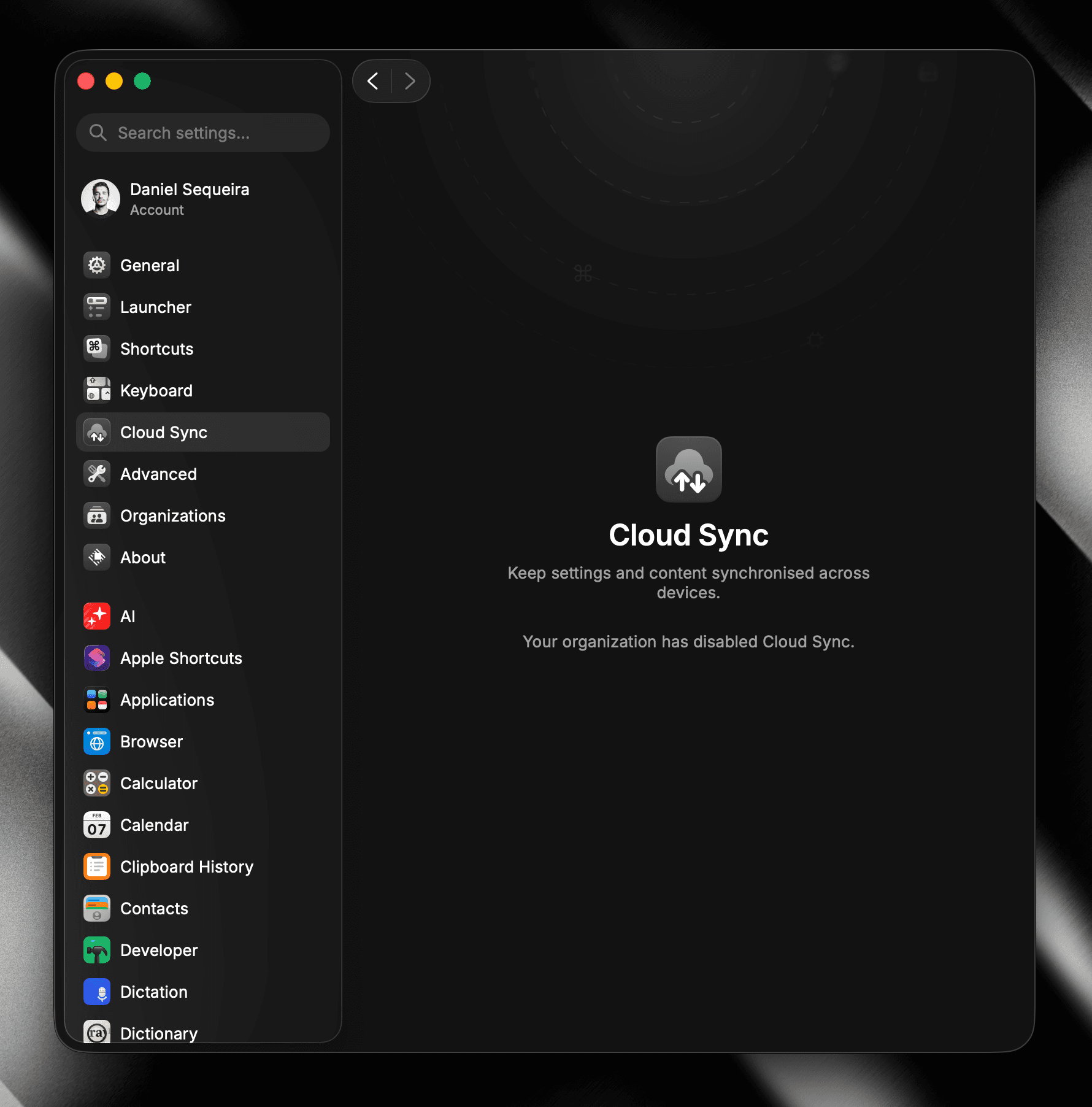
When disabled, members will not be able to enable this feature in their Raycast client settings and sync their Raycast data across their Apple devices (see image below).